







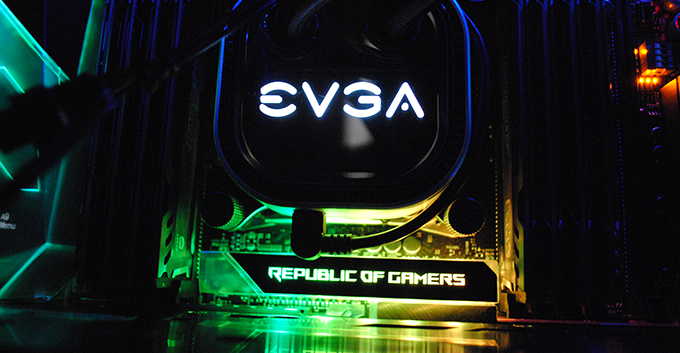
Our build focus has always been function over form, but we recognize that some customers want more flash than their flagship case and subtle lighting can provide. For more aesthetic shoppers, a splash of RGB lighting might be just what the heart desires. This article details how to build the ultimate his RGB PC.
What is RGBPC?
RGB stands for Red Green Blue, the primary colors used in digital displays and electronic devices. Widely used in our industry to refer to the multicolor lighting capabilities of a PC or its components. Properly configured and synchronized RGB can greatly improve the overall look and appeal of your PC build.
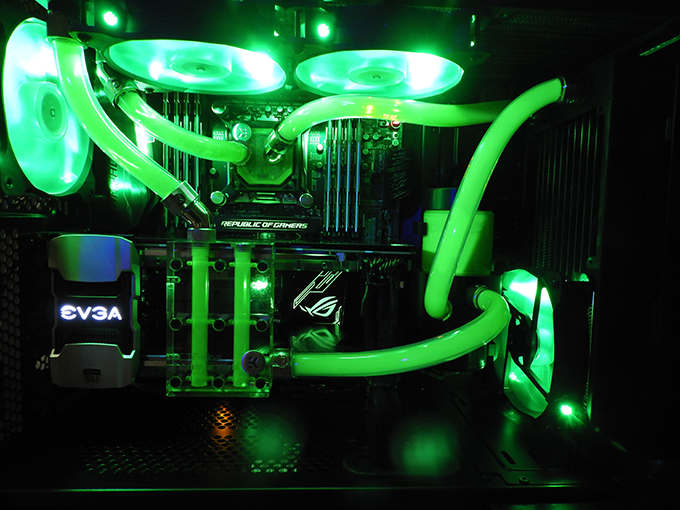
What are ARGB and RGB?
ARGB stands for Addressable RGB and is basically a more advanced version of RGB technology. While standard RGB components are limited to static colors or periodic color cycles, ARGB can be programmed to pulse, “breathe”, flash, or sync with sound to further enhance the visuals of your build. options will increase. ARGB components are typically more expensive, but in our opinion the benefits are worth the investment.
What components does RGB come with?
With the exception of CPUs and hard drives, almost every PC component can now have some degree of RGB. Motherboards, RAM, coolers, fans, cases, GPUs, and peripherals like mice and keyboards are all available with lighting options, so add any of those to your build if your budget allows. can also add additional RGB lighting strips to enhance the effect. But one thing I want to make sure is that all RGB components are compatible with each other. We recommend sticking to one type of RGB device (Aura, iCUE, etc.) to ensure full functionality.
The best RGB controllers and software
Once the RGB hardware is complete, we need to decide on the RGB controller and software to synchronize the complete effect. Most mid to high end motherboards have an embedded RGB controller. Discrete options are also available, and some RGB packages come with options, but we recommend using the onboard controller whenever possible.
The controller software is a way of synchronizing each device so that the RGB work together rather than randomly. There are many options available and the specific setup process depends on the software itself. Check the manufacturer’s documentation for support. You’ll also need to make sure you’re using software that’s compatible with your RGB hardware, but our favorites are:
Asus Aura – This software is bundled with all Asus RGM compatible boards. Simple and easy to use, it can be configured to control all Asus Aura Sync compatible devices.
Corsair iCUE – Used to control all compatible iCUE devices, but with similar functionality as Aura software.
Now you have a simple guide to adding pizza to your next build. what did we miss? Looking to build your next RGB PC? Contact our sales team for a custom quote.

Josh has been with Velocity Micro since 2007, holding various marketing, PR, and sales-related roles. As Director of Sales & Marketing, he is responsible for all direct and retail sales and marketing activities. He enjoys reruns of Seinfeld, Atlanta He Braves, John, Paul, or Beatles songs written by George. I’m sorry, apple.
