











Beyond the Alphabet

Beyond the Alphabet is a weekly column that focuses on the tech world both inside and out of the confines of Mountain View.
Do you remember the old “Does it Blend” YouTube videos? Well, I’ve kind of adopted a similar mindset, but instead of destroying things, I try to install emulators on almost anything. This includes the obvious things like phones, tablets, and, of course, gaming handhelds.
However, I’ve become infatuated with expanding my emulation experiments into various streaming devices. The latest of which came courtesy of the Onn. Google TV 4K Pro, my new favorite Android-based streaming device. That said, I’ve also done similar setups with the Amazon Fire TV Stick 4K Max and, more recently, the latest Apple TV 4K.
I think part of the reason why I’ve ventured down this path is because I’m a tinkerer at heart. It’s one thing to be able to install an app, transfer some games, and start playing. But the process isn’t quite as simple when it comes to trying to use emulators on streaming devices.

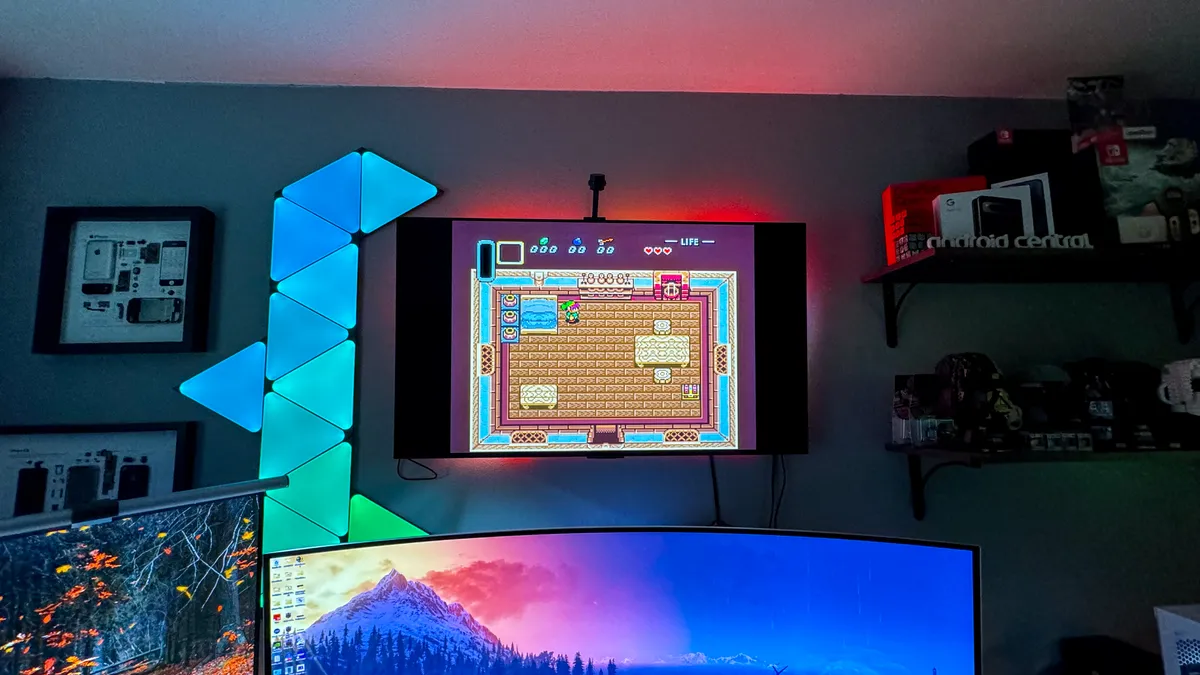
For one, it’s absolutely wild that we’re able to play Switch games on the best Android phones, which is another can of worms that I’ll open another day. But it’s also awesome being able to lay back on the couch and fire up some Super Mario 64 or play Link’s Awakening on the big screen. All while doing so from either a box or a stick that’s a fraction of the size of the original console.
Anyways, as I mentioned before, the process for getting things up and running isn’t as simple on streaming devices. Even with the Play Store at our disposal on Google TV, the most recent Play Store release isn’t always the best way to play.
For instance, the Play Store version of RetroArch hasn’t been updated since November 2021. At first glance, you might look at that and think “Well, the app is dead, where do I go now?” In reality, RetroArch is very much alive and well, with the most recent stable version being released in early June 2024 and nightly builds easily accessible.

Because of that, you’ll actually want to download and sideload the app directly from the RetroArch website. Provided that you install a file manager and something like the Send files to TV app, you can have the latest version installed on your streaming device in relatively no time. Then comes the process of actually making games accessible, which isn’t an easy task for the Fire TV Stick or Chromecast with Google TV.
This is because neither of those devices includes any additional ports besides the one used for charging. All hope isn’t lost; it’s just that you’ll need to use either a USB-C hub or a micro USB OTG splitter. In doing so, you’ll now be able to plug a USB drive in, after transferring your ROM files, of course.
The fun doesn’t stop there; we’re just getting started. There’s a good chance that the majority of the retro games that you want to play will run just fine without any tinkering. However, because RetroArch takes a “one-size-fits-most” approach, there’s more to it than just picking a game and being on your way.
If you try to play one of your favorite retro games, but you notice that performance is shoddy, you can choose a different RetroArch “Core.” For the unaware, Cores are essentially barebones emulators that rely on RetroArch to act as the front end.

An example of this is with the N64, as there are two different Cores built into the app. If you fire up Super Mario 64 and aren’t happy with the performance, you can go back to the main RetroArch interface and switch to a different one. The same rings true for many other emulators, with only a few exceptions. It’s very much a “trial and error” scenario, which is perfect for the tinkerers out there.
Of course, RetroArch isn’t the only emulator that can be used on streaming devices; it’s just the one that I’d recommend starting with. RetroArch works with all kinds of retro consoles, ranging from the Atari 2600 all the way up to the PlayStation 2. Still, I’d recommend staying away from PS2 emulators on streaming devices for now, at least until they get a bit more power.
So the next time that you have friends or family over and are trying to figure out something to do, grab a couple of controllers and fire up an emulator. You’ll never forget the look of surprise when the original Super Smash Bros. appears on your TV, and you can enjoy those classics all over again. It’s also how I plan to show my son some of the best retro games before he tries getting into Roblox and Fortnite and whatever else the kids play these days.
