











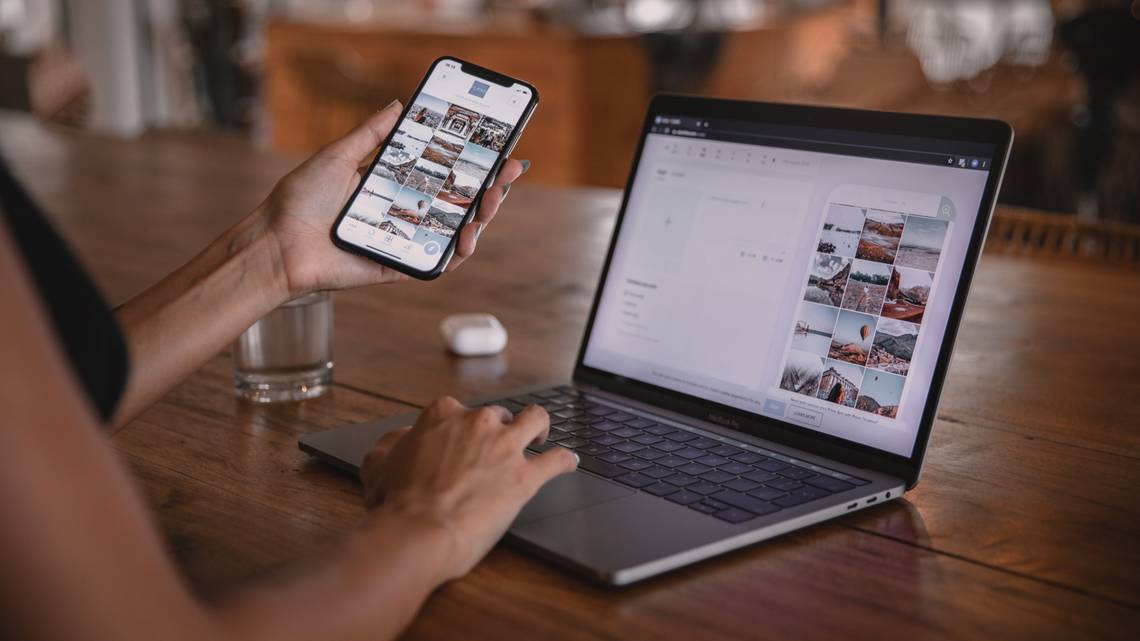
With Intel Unison, you can connect your Android or iPhone to your Windows 11 device and enjoy features like seamlessly syncing photos and notifications.
Source: Unsplash
One of the biggest problems smartphone users have faced for a long time is the difficulty of connecting (properly) and syncing their devices to their Windows PC or laptop. Many companies have taken this issue into their own hands (even Microsoft’s Phone Link), but the experience has always been felt. brokenThis has frustrated many users, especially Apple iPhone users.
What is Intel Unison?
In September 2022, Intel announced an app called Unison. Unison aims to provide a seamless experience for Windows users by building solutions that work on all devices, regardless of manufacturer. The app is available for download now and allows the user to connect her Android or iOS smartphone to a Windows device, minimizing the current frequent device switching. With this app, a user can answer phone calls, transfer documents, check notifications, send and receive SMS messages, all from his Windows device.

One of the great features of Intel Unison is its compatibility with both Android and iOS devices. Microsoft’s Phone Link app offers some similar functionality for Windows users, but is only available for Android devices. Intel Unison uses Wi-Fi Direct or specific drivers to provide a faster and seamless experience.
In addition to standard features, Intel Unison syncs smartphone notifications with Windows laptops. This is a feature not even available in Apple’s iPhone-Mac ecosystem. This comprehensive approach makes Intel Unison a useful tool for all Microsoft Windows users, regardless of smartphone manufacturer.
How to configure and use Intel Unison
Before you start using Intel Unison, there are some prerequisites you should know. First, you need to make sure your device is compatible with the software. According to Intel, the Unison app works on all iPhones with iOS 15 or higher and his Android devices with Android 9 or higher versions.
Additionally, in September 2022, Intel said the app is only compatible with Intel Evo devices. However, I was able to install it on my HP Pavilion x360 (with Intel 11th generation chip) and the app worked fine. However, your laptop or PC must be running Windows 11 2H22 or newer.
Next, you’ll need to download and install the Intel Unison app on both your Windows PC and smartphone. The app is available for download from the Google Play Store for Android devices, the Apple App Store for iOS devices, and the Microsoft Store for Windows devices.
Open the Unison app on your smartphone and Windows device. Follow the instructions on the screen. Scan the QR code to pair the device, confirm with the PIN code, and grant the required permissions. After successfully completing the setup process, your phone and PC should be connected to each other and you should be able to receive notifications, calls, and other information on your PC screen.
Overall, Intel Unison is a valuable tool for anyone looking to streamline device usage and make their smartphone and Windows PC work together more seamlessly. Although it does not currently support app mirroring, it offers a variety of useful features and is compatible with both Android and iOS devices.
We hope you found this article on Intel Unison helpful. If you’ve tried this app yourself, let us know what you think in the comments below.
Now is the time to buy a Windows laptop!
-
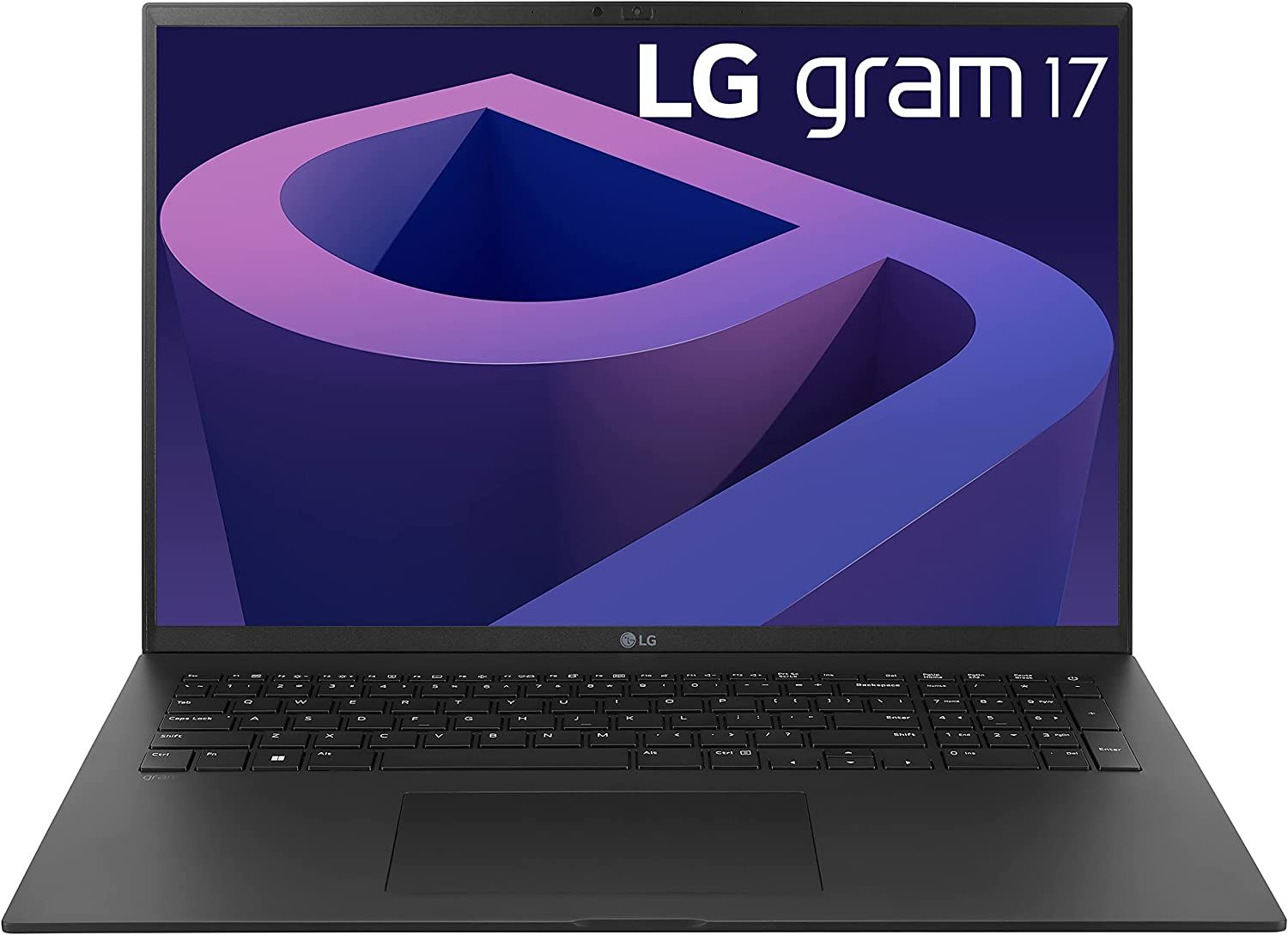
LG Gram 17
The 2022 version of the LG gram 17 features a 17-inch IPS WQXGA display, an Intel Core i7 processor, 16 GB RAM, 1 TB storage space, Thunderbolt 4 and more. Check all the deals on your device using the link below.
-
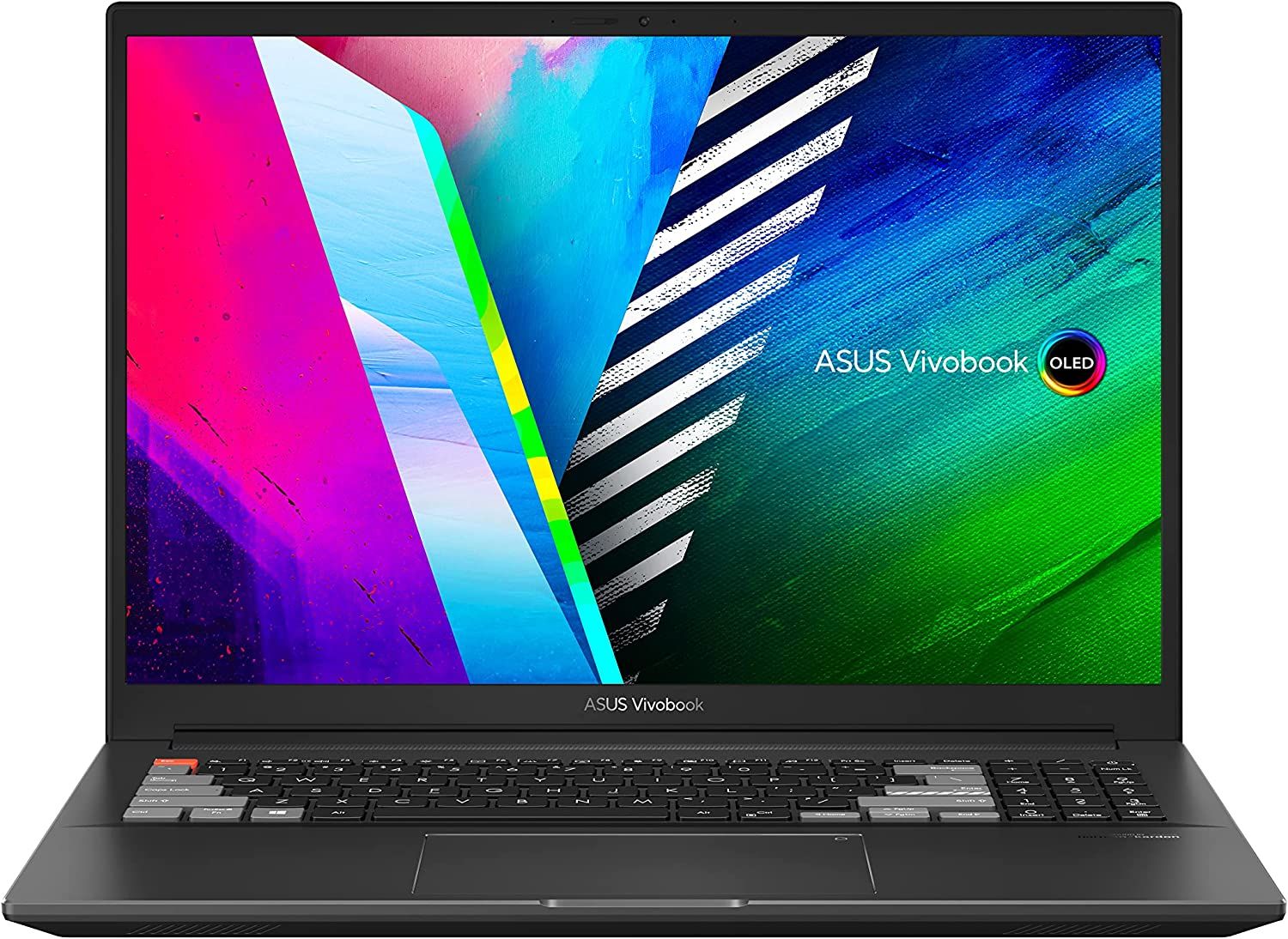
ASUS VivoBook Pro 16X OLED Slim Laptop
The ASUS VivoBook Pro 16X OLED Slim Laptop features a gorgeous 16″ WQUXGA display with 16:10 aspect ratio, 16 GB RAM, 1 TB SSD storage, NVIDIA GeForce RTX 3050 Ti graphics and AMD’s Ryzen processor.
-
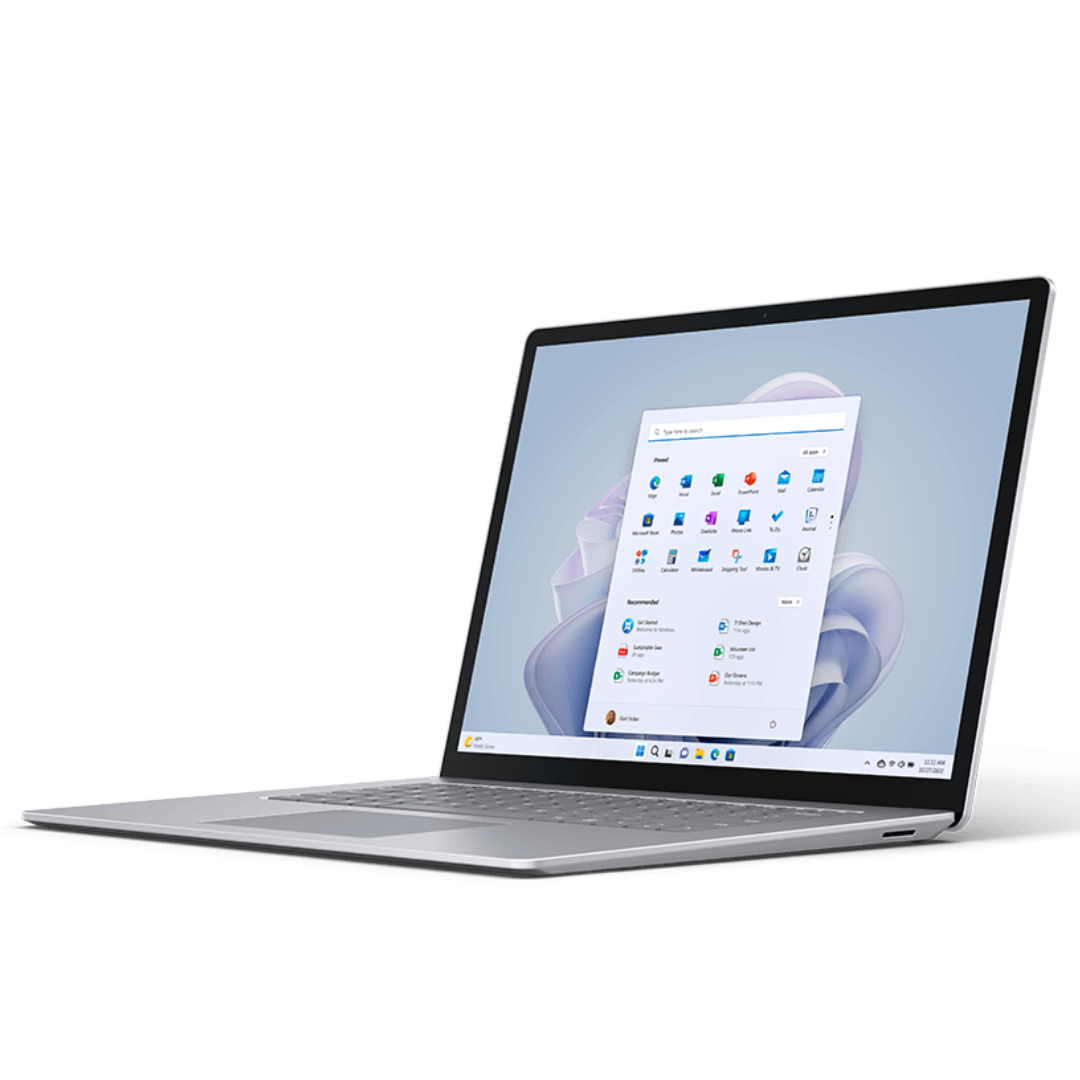
Microsoft Surface Laptop 5
The Microsoft Surface Laptop 5 is powered by the new 12th Gen Intel Core i5 and i7 processors and comes in 13.5-inch and 15-inch variants. Both devices feature new Thunderbolt 4 ports for a day’s worth of charging in a portable form factor.


via image: Windows Central
