











As 2022 comes to a close, Nintendo is giving players access to their Switch stats for the year as part of their Year in Review. It works much like Sony’s 2022 PlayStation Wrap-Up, which summarizes the player’s gaming stats for the year.
The Nintendo Switch Year in Review keeps players informed about Switch games in 2022, detailing the most played games and other interesting stats. But how does this work, how do you access it, and how can you share your Nintendo Switch Year in Review stats? Here’s how it works.
What is Nintendo Year in Review?
We have access to all sorts of interesting stats via our Nintendo Switch Year in Review. This includes information such as games you played at launch, titles you’ve played for 3+ years, and a breakdown of your favorite genres. You can share these stats on social media and compare them with your friends and family. Here’s how to access your stats:
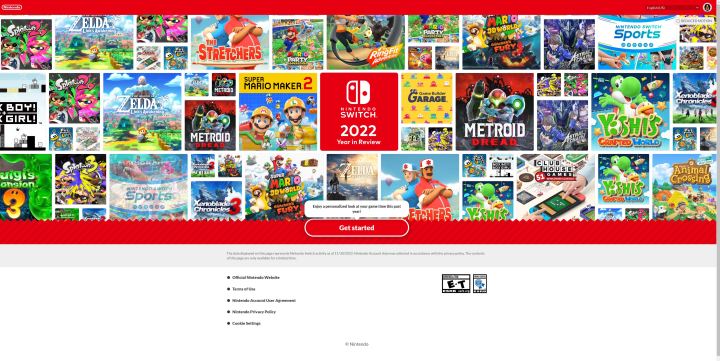
How to access Nintendo Year in Review stats
To access the Nintendo Year in Review 2022 Roundup, simply visit the link and scroll.
step 1: To access Year in Review stats, you’ll need to visit the official Nintendo page.
Step 2: After signing in, let’s start Go to your stats page.

Step 3: From here you can scroll down to access your Nintendo Switch stats.
Step 4: Click on the left or right side of the field to scroll horizontally through sections covering specific games. This will show you the most played games by month or hour.
Step 5: Each section has sharing options so you can post your stats to social media.be sure to click share this Show your Nintendo Year in Review stats to your friends.


Editor’s pick
