











Asus has started seeding stable Android 13 into its 2021 flagship Zenfone 8 and Zenfone 8 Flip. This update also comes with the latest his January 2023 security patch.
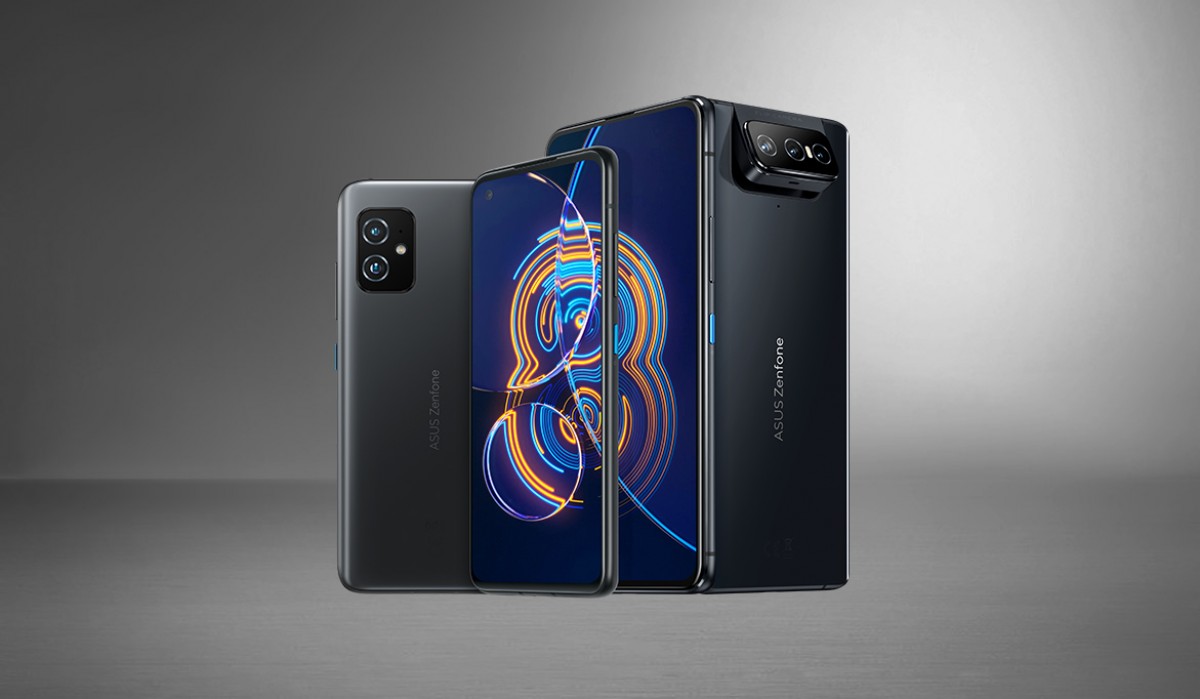
Firmware version is 33.0210.0210.210 It also offers Android 13-specific features as well as a few extras thanks to Asus. The company kindly posted the full changelog on their support website.
- I have upgraded the system to Android 13.
- Redesigned mobile manager, contacts, phone, emergency dialer, file manager, calculator, clock, gallery, weather, sound recorder, settings, data transfer, local backup and more.
- Adjusted the quick settings panel, notification tray, and volume panel to Android 13 design
- Added notification permission function. You can adjust permissions for each app in your app and notification settings.
- Added “auto-delete” and editor functions to the system clipboard.
- Added QR code scanner option to lock screen shortcuts,[セキュリティとロック画面]Added the ability to control from a device locked in settings.
- Depending on your Digital Wellbeing settings, you can set Bedtime options to automatically switch between system color schemes.
- Adjusted vibration and haptic intensity settings when selecting gesture navigation, display and font size settings, width and length of navigation whitebar.
- Changed to blocked number settings for phone-to-stock behavior. You cannot receive calls or texts from blocked numbers.
- Removed call duration settings.
- Replaces original styling with new wallpaper and styling – removes shape options, supports theme icons, resets system colors to blue.
- Added link quick share function to ASUS Launcher.
- Added customization settings for Asus. A collection of commonly used customization settings can be applied with a single click.
- Removed the “Moderate” and “Elegant” options in the power button menu style settings.
- Adjusted the dial pad and contact details page design in the Phone app to display information more clearly.
- Some third-party apps are not yet compatible with Android 13.
- Upgrade system modes such as “High Performance”, “Dynamic”, “Endurance”, and “Ultra Endurance” to the latest version. Game Genie has also been upgraded to the latest version, allowing you to quickly switch between game system modes.
So if you are in Europe, Russia, India, or Taiwan, keep an eye out for update notices or follow the instructions on Asus’ website.
Source 1 | Source 2
