











With the release of the M1 chipset in 2020, Apple has completely revolutionized the chipset industry. With a powerful CPU, GPU, efficient memory architecture, and optimizations for macOS, this chipset sets a new standard for personal computer performance and efficiency. This allows Apple to create powerful, energy-efficient Macs that can handle the most demanding tasks while consuming very little power.
Apple followed suit with the release of the M2 chipset last year, stating,It takes M1’s groundbreaking performance and features to the next level.And now, with the release of the new Mac mini and MacBook Pro models, the company has announced the M2 Pro and M2 Max chipsets. This further improves performance and efficiency. In this article, let’s compare the M2, M2 Pro, and M2 Max chips to find out which one is the best option for you.
Apple M2 vs M2 Pro vs M2 Mac: spec comparison
|
specification |
M2 |
M2 Pro |
M2 Max |
|---|---|---|---|
|
production process |
2nd generation 5nm technology |
2nd generation 5nm technology |
2nd generation 5nm technology |
|
transistor |
20 billion |
40 billion |
67 billion |
|
CPU configuration |
8-core CPU: 4 high performance cores + 4 high efficiency cores |
|
12 core CPU: 8 high performance cores + 4 high efficiency cores |
|
GPU configuration |
8 cores, 10 cores |
16 cores, 19 cores |
30 cores, 38 cores |
|
neural engine |
16 cores (15.8 TOPS) |
16 cores (15.8 TOPS) |
16 cores (15.8 TOPS) |
|
RAM configuration |
8GB, 16GB, 24GB (LPDDR5) |
16GB, 32GB (LPDDR5) |
32GB, 64GB, 96GB (LPDDR5) |
|
Unified memory bandwidth |
100GB/s |
200GB/s |
400GB/s |
|
Supported Mac models |
MacBook Air (2022), MacBook Pro (13-inch, 2022), Mac mini (2023) |
Mac mini (2023), MacBook Pro (14 and 16 inch, 2023) |
MacBook Pro (14 and 16 inch, 2023) |
Apple M2 vs M2 Pro vs M2 Max: CPU
Apple M2, M2 Pro, and M2 Max — All three chipsets are based on the second-generation 5nm node process. According to Apple, the technology will improve performance and power efficiency and allow more transistors to fit on the same chipset die as the first generation. His baseline M2 chip has 20 billion transistors, the M2 Pro has 40 billion transistors, and the top-of-the-line M2 Max has a staggering 67 billion transistors. is installed.
Nevertheless, the underlying architecture of all M2 chips is very similar, with all three having the same data and instruction caches (128KB and 192KB respectively). The only difference is the shared cache size. The M2 Pro and M2 Max offer 32MB of L2 cache, while the baseline M2 offers 16MB of shared cache. The increased shared cache size on newer chipsets should have a noticeable effect during CPU-intensive tasks.
As for the actual CPU and core architectures, both the M2 Pro and M2 Max are available in various CPU and core configurations. The M2 Pro is available with either a 10-core or 12-core CPU, while the M2 Max only has a 12-core CPU configuration. These multithreaded CPUs are divided into high performance cores and high efficiency cores as shown in the table above.
Apple claims its new Pro and Max chipsets offer up to 20% faster performance compared to previous generation Pro and Max chipsets. The baseline Apple M2, on the other hand, is only available in one configuration and offers an 8-core CPU with a similar 4+4 architecture.
Apple M2 vs M2 Pro vs M2 Max: GPUs
All three chipsets have received significant upgrades in this department compared to their respective predecessors. However, comparing the standard M2 to the M2 Pro and M2 Max, it is clear that the M2 Pro and M2 Max offer the most advanced and powerful options for high-end graphics-intensive tasks.
The standard M2 has a GPU with up to 10 cores, while the M2 Pro has a GPU with up to 19 cores and the M2 Max supports GPUs with up to 38 cores. The following table shows the performance differences between these M2 series processors.
|
Features |
M2 |
M2 Pro |
M2 Max |
|---|---|---|---|
|
core |
Up to 10 GPU cores |
Up to 19 GPU cores |
Up to 38 GPU cores |
|
execution unit |
none |
2,432 |
4,864 |
|
teraflops |
3.6 |
6.8 |
13.6 |
|
gigatexels/second |
111 |
212 |
424 |
|
gigapixels/second |
55 |
106 |
212 |
In terms of performance, the M2 Pro’s 19-core GPU is a significant improvement over the standard M2’s 10-core GPU. With 2,432 execution units, it delivers 6.8 teraflops and 212 gigapixels/sec compared to 3.6 teraflops and 111 gigapixels/sec for the M2. This makes the M2 Pro an ideal choice for users who require high performance graphics. Apple claims the M2 Pro chip compiles code 25% faster and processes images 40% faster than the M1 Pro.
The M2 Max’s 38-core GPU takes performance to the next level, offering even more power and features than the M2 Pro. It delivers 13.6 teraflops and 424 gigapixels per second with 4,864 execution units. This is almost double the performance of the M2 Pro. This makes the M2 Max the ultimate choice for users who need the highest level of graphics performance for tasks such as 4K video editing, 3D rendering, and other graphics-intensive tasks.
Apple M2 vs M2 Pro vs M2 Max: RAM and memory bandwidth
The standard M2 comes with 100GB/s of unified memory bandwidth and up to 24GB of unified memory. The M2 Pro features 200GB/s of unified memory bandwidth and up to 32GB of unified memory. M2 Max offers the highest level of memory capabilities with 400GB/s unified memory bandwidth and up to 96GB LPDDR5 RAM.

The M2 Pro’s memory capabilities are a major upgrade over the standard M2, with double the memory bandwidth and 8GB more RAM. Thanks to the M2 Pro’s increased RAM capabilities, Apple says it can handle heavy workloads running Adobe Photoshop faster than ever before. The M2 Pro Mac can be configured up to 8TB, while the standard M2 Mac is up to 2TB.
The M2 Max takes memory capabilities to the next level, offering 4x more memory bandwidth and 72GB of RAM than the standard M2.3D rendering, 4K video editing, and Open thousands of Google Chrome tabs (Ha!). The M2 Max also offers up to 8 TB of configurable storage.
Apple M2 vs M2 Pro vs M2 Max: Other Features
media engine
The standard M2 comes with a media engine and a ProRes video engine for decoding 8K H.264 and HEVC video, and can play multiple streams of both 4K and 8K video. The M2 Pro takes hardware-accelerated H.264, HEVC, and ProRes video encoding and decoding to the next level, allowing you to play up to 10 streams of 4K and 8K ProRes video simultaneously. M2 Max offers two video encoding engines and two ProRes engines, enabling video encoding up to 2x faster than M2 Pro.
neural engine
All three of Apple’s latest chipsets (M2, M2 Pro, and M2 Max) feature the same 16-core neural engine, which significantly boosts performance for machine learning tasks such as video and image processing. The new chipset performs up to 15.8 trillion operations per second, 40% faster than the previous generation.

Which chipset is best for your next Mac?
Which brings us to the final question — which Mac should you buy? A Mac with an M2 chipset or an M2 Pro? Or M2 Max? Here’s what I suggest:
You should buy a Mac with an Apple M2 if:
A Mac with an M2 chipset is a great option for casual users and those who primarily use their Macs for basic tasks such as web browsing, email, and document editing. The M2 chip is designed to provide a balance of performance and efficiency, suitable for everyday use. The M2 chip has an 8-core CPU, an 8/10-core GPU and 24 GB of his LPDDR5 RAM. It also offers 100 GB/s of unified memory bandwidth, which is sufficient for most basic tasks.
You should buy a Mac with an Apple M2 Pro if:
A Mac with the M2 Pro chipset is a great option for professionals and power users who need advanced features for tasks like compiling code, video editing, and 3D rendering. The M2 Pro has better performance and memory capabilities than the standard M2, making it suitable for more demanding tasks. The M2 Pro has an 8/12 core CPU, a 19/38 core GPU and up to 32GB of his LPDDR5 RAM. It also offers 200GB/s of unified memory bandwidth, double that of standard M2.
You should buy a Mac with the Apple M2 Max if:
A Mac with the M2 Max chipset is the ultimate option for users who want the highest levels of performance and memory capabilities for their most demanding tasks. Designed to provide the highest performance and memory capabilities available on the market. The M2 Max comes with up to 12 core CPU, up to 38 core GPU and up to 96 GB of his LPDDR5 RAM. It also offers 400GB/s of unified memory bandwidth, four times that of standard M2. This is a great option for users who need the highest level of performance for tasks such as 4K (or 8K) video editing, 3D rendering, and more.
-
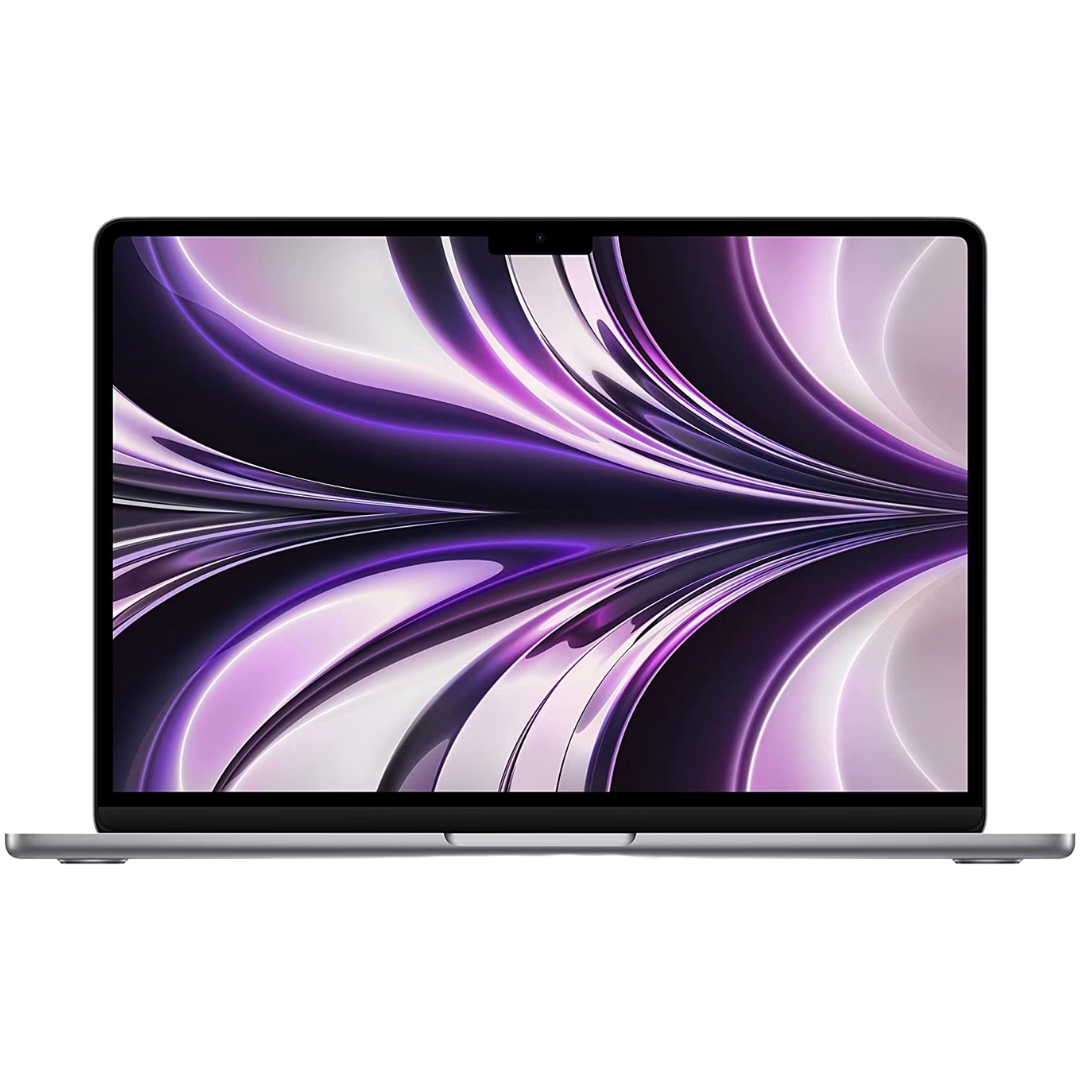
Macbook Air M2
The latest MacBook Air is powered by M2 Apple Silicon, which offers better performance than M1 series chips. It has great battery life and all the performance you need for multitasking, editing, and working on the go.
-

MacBook Pro 14.2 (2023)
The latest 14.2-inch MacBook Pro (2023) features the new M2 Pro or M2 Max powered chip. The machine features up to 12 core CPU, up to 38 core GPU, up to 96G unified memory and 8TB storage. This is one of the most powerful laptops on the market in 2023 and one of the best devices for professionals and power users.
-

MacBook Pro 16.2 (2023)
The latest 16.2-inch MacBook Pro (2023) features the new M2 Pro or M2 Max powered chip. It can be configured with up to 12-core CPU, up to 38-core GPU, up to 96G unified memory, and 8TB storage. It’s portable, extremely powerful, and can handle graphics-intensive tasks and multitasking better than any other device.
-

Mac mini with M2
This Mac mini variant features the M2 chipset, an 8-core CPU with 4 high-performance cores and 4 high-efficiency cores. It also has a 10-core GPU, up to 24 GB of RAM with 100 GB/s bandwidth, and a 16-core neural engine.
-

Mac mini with M2 Pro
This Mac mini variant comes with the M2 Pro chipset, which features up to 12-core CPUs with 8 high-performance cores and 4 high-efficiency cores. It also has a 19-core GPU, up to 32 GB of RAM with 200 GB/s bandwidth, and a 16-core neural engine.
-
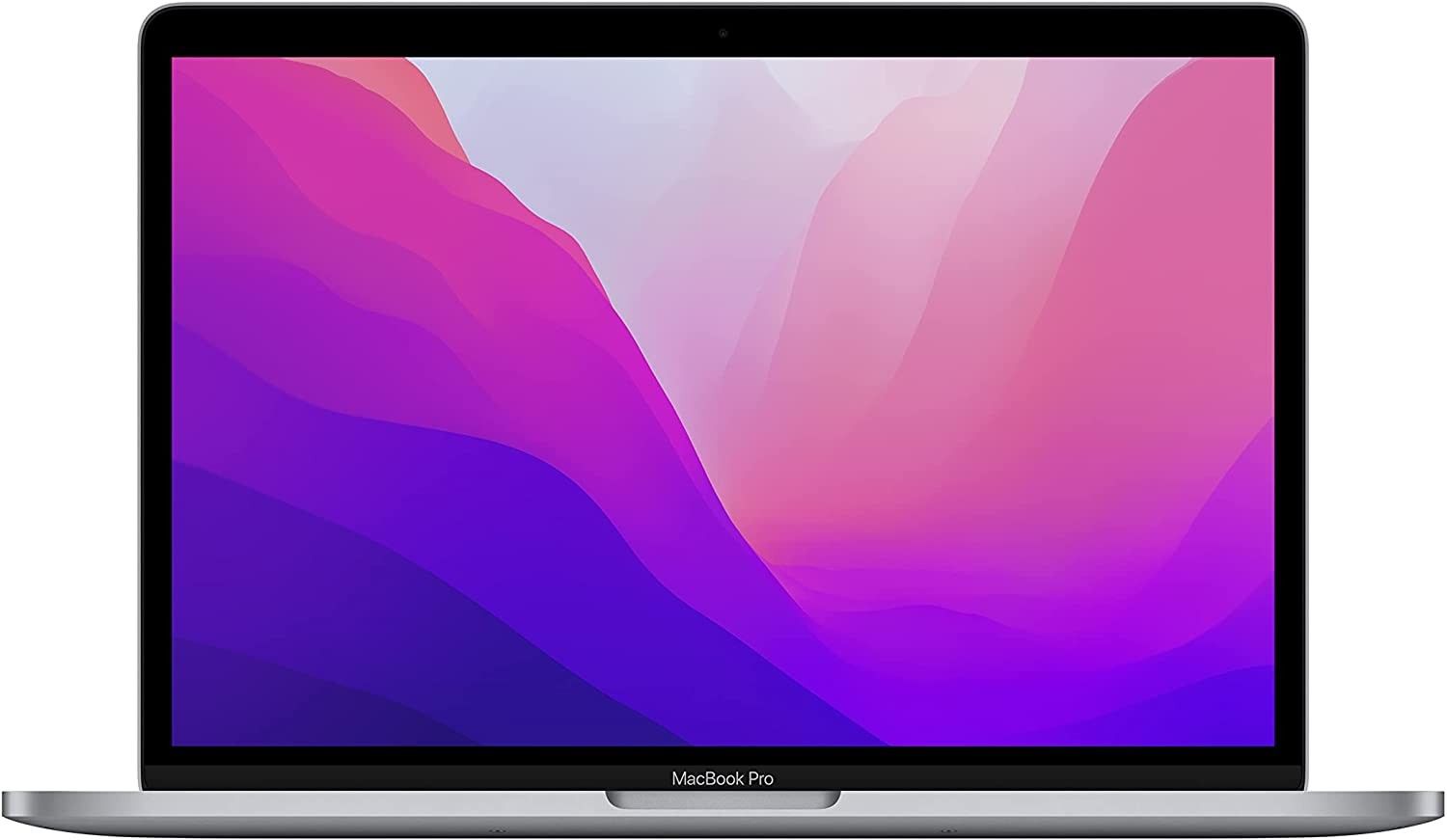
MacBook Pro 13 inch with M2 chip
The new 13-inch MacBook Pro retains the same old design while featuring the all-new second-generation Apple M2 chipset. The new chipset offers 20% better CPU performance than the previous generation.


