











In today’s fast-paced, always-connected world, it’s important to be able to communicate effectively, quickly, and efficiently. Many studies show that millennials prefer texting and instant messaging to stay in touch, but the ability to make and receive phone calls remains a basic feature of smartphones.
But keep in mind that not all phones are the same. New technologies such as Wi-Fi calling and VoIP calling give users a variety of ways to make and receive calls. This article takes a closer look at Wi-Fi calling and regular cell calling, analyzing the key differences and weighing the pros and cons.
What is Wi-Fi calling?
Wi-Fi calling has been around for over a decade, but it only recently gained popularity. As the name suggests, this technology allows you to make and receive calls and send messages over Wi-Fi networks instead of using traditional cellular networks. This feature is especially useful in areas where cellular network coverage is weak or non-existent, or the quality of cellular calls is poor.
Most of the world’s major networks support Wi-Fi calling, including Vodafone, Verizon, AT&T, Rogers, Telus, Airtel, and Optus. Network operators typically don’t charge extra for her Wi-Fi calling service, but it may vary by network. But how does it work and how is it different from traditional calling?

How does Wi-Fi calling work and how is it different from traditional cellular calling?
When you make a regular phone call, your smartphone sends a signal to the nearest cell tower. Cell towers then transfer the call to the nearest available base station that further connects the call to the intended recipient’s device. The call is then transferred over the cellular network to the recipient’s device.
VoLTE (Voice over Long-Term Evolution) is now used for cellular calls. This technology enables high-speed wireless communication with smartphones. With VoLTE, your phone converts your voice into data packets and uses LTE (or 4G) technology to send that information to your carrier. When he uses LTE for calls he gets better call quality and faster call setup time.

Wi-Fi calling works in a similar fashion. Think of it as a VoIP call (a call made through an app like WhatsApp or FaceTime). But instead of sending data to the Internet, it sends it to your mobile phone service provider and turns it into a normal voice call. When you make a call or send a message using Wi-Fi Calling, your device sends the data over his Wi-Fi network to cell towers. From there, the call or message will be sent to the intended recipient.
Note that if you move out of range of your Wi-Fi network during a call, your call will be disconnected. However, most modern smartphones seamlessly switch to regular cellular calls when they are out of Wi-Fi range, so you can continue your call without interruption.
What are the pros and cons of Wi-Fi calling?
Here are the pros and cons of Wi-Fi calling.
Strong Points:
- Improved call quality: As mentioned earlier, Wi-Fi networks tend to have stronger signals and wider bandwidth than cellular networks. This means calls made over Wi-Fi tend to sound better and drop less.
- Provides coverage in areas with weak cellular signals: If your cell phone signal is weak and you’re in an area with a strong Wi-Fi signal, use Wi-Fi Calling to stay connected.
- No need to install any app: Wi-Fi calling is a feature built into most modern smartphones. No need to install any additional apps to use it.
- Wi-Fi calling doesn’t use LTE or 5G data: Wi-Fi calling uses the Internet connection provided by your Wi-Fi network. This means that your mobile plan data will not be consumed. This is useful for users with limited data plans or who want to avoid additional data charges.
Cons:
- Calls may drop as soon as you exit Wi-Fi coverage: One of the limitations of Wi-Fi calling is that calls can drop as soon as you move out of range of your Wi-Fi network. Most network providers implement seamless switching to cellular calls when you move out of Wi-Fi range, but calls may still drop.
- Not all devices support Wi-Fi calling: Not all smartphones and mobile devices have the ability to make Wi-Fi calls, so you’ll need to check if your device is compatible before using this feature.

What are the pros and cons of cellular calling?
Here are the advantages and disadvantages of traditional cell calling.
Strong Points:
- extensive coverage: Regular cell phone calls use the cell phone network, so you can make and receive calls from almost anywhere.
- universal availability: Any device with a cellular connection can make regular cell calls.
- reliable: Regular cell calls are considered a reliable method of communication as long as the cellular network has good coverage.
Cons:
- Limited coverage in certain areas: In some remote or rural areas, cell phone signals may be weak or non-existent, making regular cell phone calls difficult or impossible.
- Limited call quality: Call quality for regular cellular calls may vary depending on cellular network coverage and device capabilities. Calls may drop, have poor sound quality, or experience delays in areas with weak cellular signals.
How to enable Wi-Fi calling on Android and iPhone
Most modern smartphones support Wi-Fi calling. The process of enabling Wi-Fi calling on your iPhone or Android device is relatively simple and straightforward.
To turn on Wi-Fi calling on your iPhone, go to: Settings > Cellular > Wi-Fi Calling Toggle the switch to on. If Dual SIM is enabled, select your carrier after entering cellular settings and follow the same steps. If you haven’t already entered your emergency contact information, you may be prompted to do so. Enter your emergency contact information and flip the switch to enable Wi-Fi calling on your device.
For Android users, the process to enable Wi-Fi Calling may vary depending on your device and operating system version. Normally, the steps to turn on Wi-Fi calling for him on your Android device would be: Settings > Network & internet > Mobile network > Advanced > Wi-Fi callingHere you will be asked to enter your emergency contact information and turn the switch on.
Also note that not all mobile service providers support Wi-Fi calling on all devices. Before using Wi-Fi Calling, you need to check if your device and service provider support this feature.
These are the best smartphones on the market right now!
-
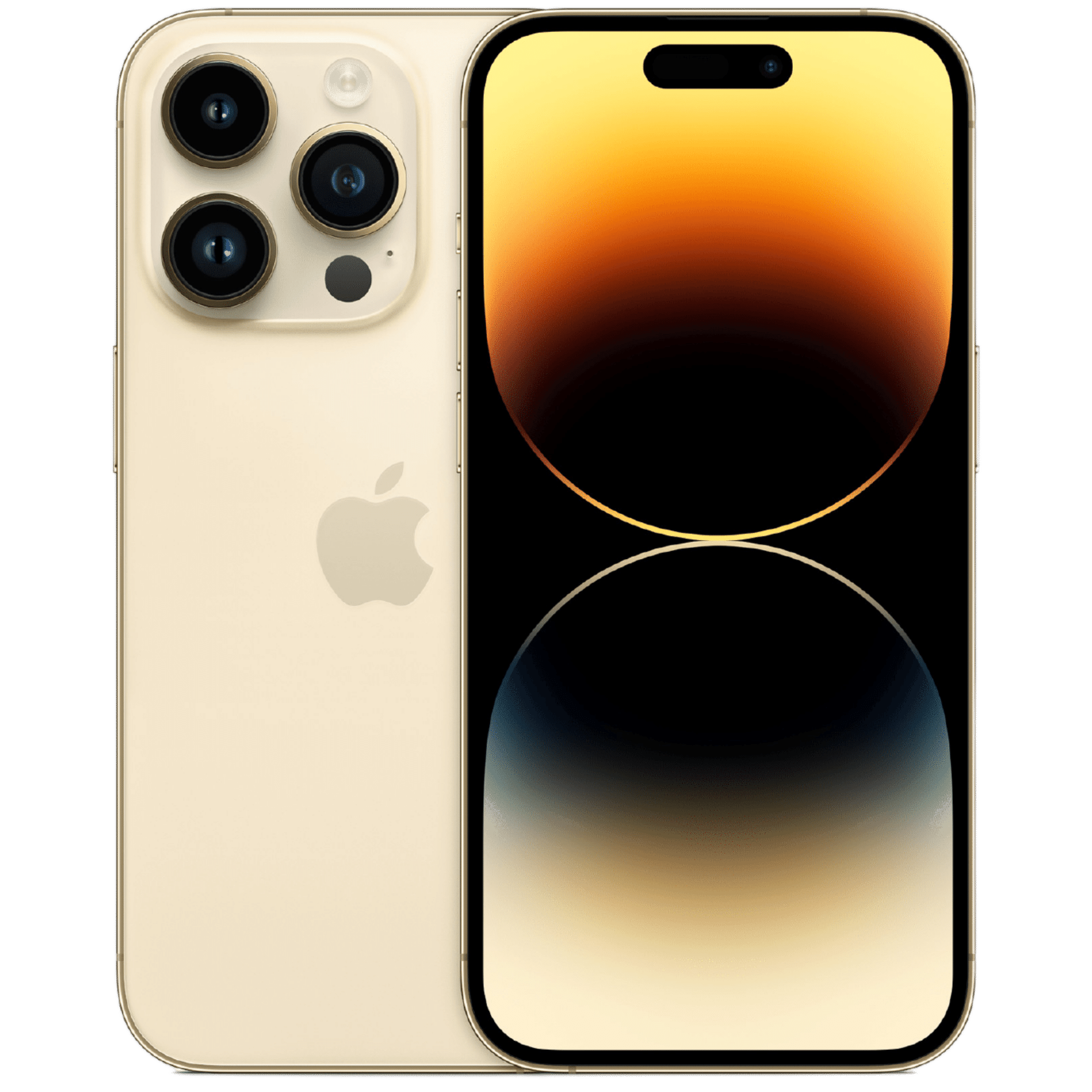
iPhone 14 Pro
The iPhone 14 Pro is Apple’s latest premium smartphone. It features a new circular ‘Dynamic Island’ notch, a ProMotion 120Hz display, a 48MP primary camera sensor, a lightning-fast A16 Bionic chipset, and more. Use the link below to check out the best deals on your device!
-
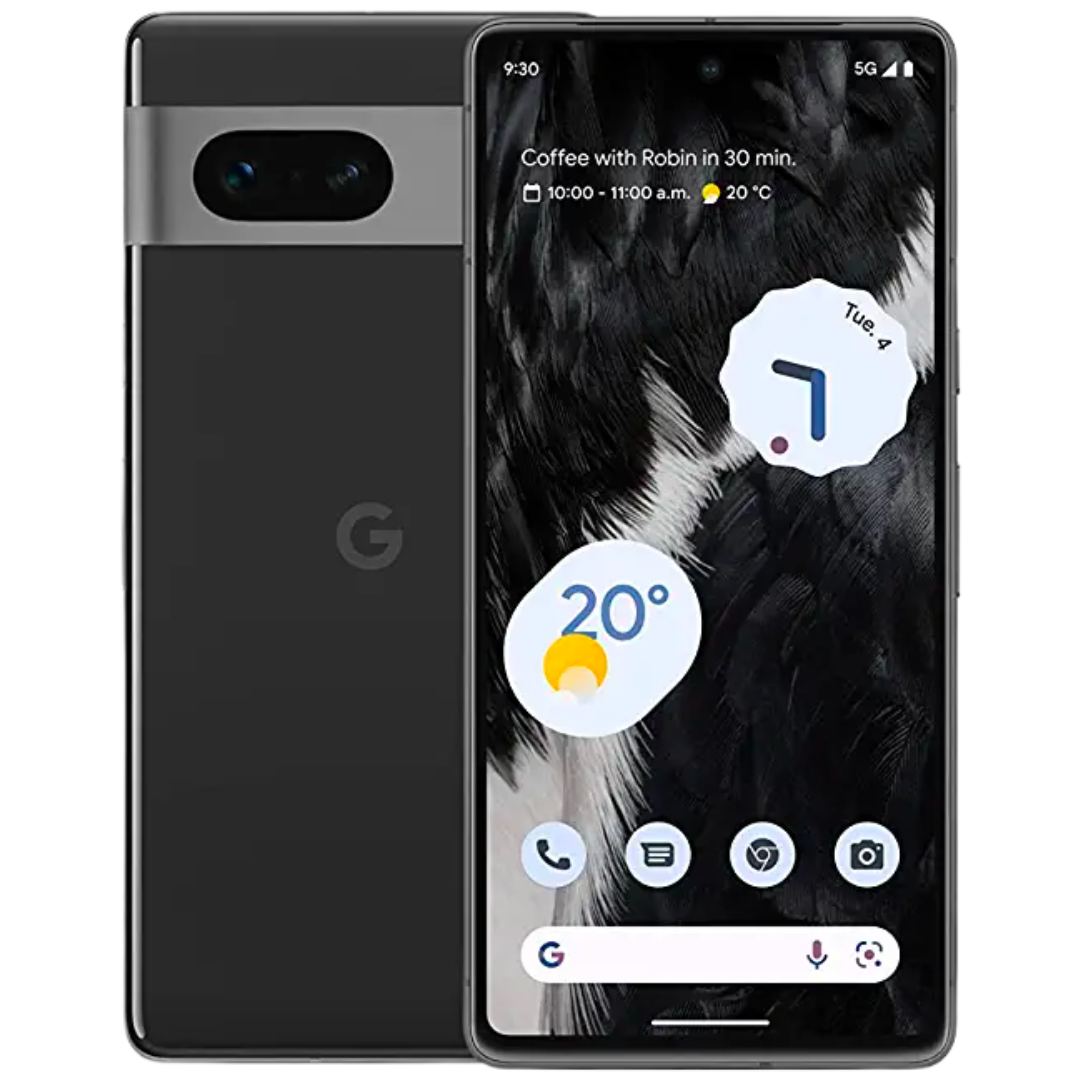
google pixel 7
The new Google Pixel 7 is powered by the all-new Google Tensor G2 chipset. The device is combined with 8 GB of memory and has a storage tier of 128/256 GB. The phone comes with a significantly improved camera system, making it even more portable than the previous generation. Pixel 7 comes in Obsidian, Lemongrass, and Snow colors.
-
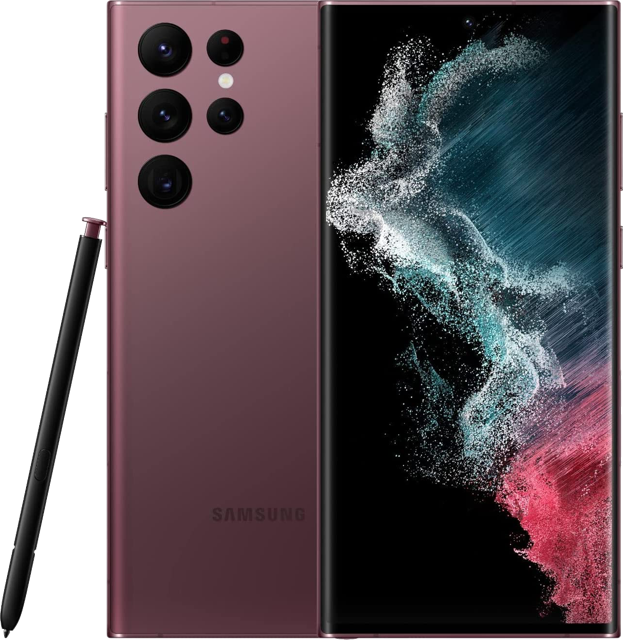
Samsung Galaxy S22 Ultra
The Samsung Galaxy S22 Ultra is one of the best Android devices available on the market. It has top-of-the-line specs, tons of power, an exceptional camera, S Pen stylus support, and other great features. If you’re looking for an absolute beast and one that can do it all without breaking a sweat, the Galaxy S22 Ultra has it all.


