











quick link
- More Watch Faces in Dark Mode
- Better app layout options
The Apple Worldwide Developer Conference (WWDC) will be held from June 5th to 9th. We’ve already heard rumors that Apple may make major changes to the watchOS 10 operating system. Some rumors claim that Apple may completely revamp the watch’s interface, and there are rumors that Apple will announce some new features.
Looking for a new smartwatch or Apple Watch case?
According to Mark Gurman’s Power On newsletter ( Apple Insider), watchOS 10 “should be a fairly extensive upgrade, with noticeable changes to the user interface unlike iOS 17.” Gurman also said version number 10 would be a big year for Apple. and you can see the complete design overhaul of the watchOS interface.
Recent rumors point to minor hardware improvements for the upcoming Apple Watch Ultra (2023) and Apple Watch Series 9 smartwatches. A software refresh could help Apple convince users to upgrade from older models. Here’s a wishlist of what we’d like to see in the upcoming watchOS 10 software update.
custom watch face

Apple offers many watch faces with tons of options for customization. Users can change layouts, colors, and add or remove complexity to their liking. Watch faces are customizable but have been very limited since they were introduced many years ago. Didn’t have the option to develop your own watch face for
It’s 2023 and with watchOS 10 on the horizon, we hope Apple will allow developers and designers to create more unique watch faces for their devices.
More Watch Faces in Dark Mode

The Apple Watch Ultra introduced a new feature that allows users to make the display red. This allows users to see and read the clock at night or in dimly lit environments. Many watch faces look great with this night mode feature turned on, and we look forward to seeing it on more watch faces and devices, not just older models, but the Apple Watch Series 8 and SE 2. .
Better app layout options

Grid and list views have been standard on the Apple Watch for years. They do a decent job in terms of giving users the option to view their entire library of installed applications, but they haven’t changed in a few years. Some people prefer Neither is right or wrong.
That said, there are many ways to improve both list and grid views. Sure, you can rearrange your apps in a grid view, but what if you had a place dedicated to your favorite items? Even better, you could create a favorites list that contained only a list of important and frequently used ones. It would also be nice if the app could be hidden rather than deleted, giving users better control over their lists and grid layouts.
Improving health metrics

Apple Health and Fitness has gone through some changes over the years. Fitness is a great tool for anyone looking to get in shape and stay fit, but there are many ways you can improve.
One of the biggest complaints Apple Watch users have is the lack of a rest mode and the ability to pause the streak to take a break. Many Apple Watch users like to compete with their friends and family. We know it’s important to stay in shape and focus on training at all times, but sometimes you just need to relax and take a break. You should be able to pause and take a break.
Apple Watch is one of the most advanced tools that help millions of users track their health activities. We hope to see more metrics displayed in different layouts and available on all Apple devices, not just the watch itself. It may help you tailor your experience based on what you are doing.
Improved Siri

Siri has received many updates and improvements over the past few years. However, it still lacks key features found in other competing platforms such as Google’s Assistant and Amazon’s Alexa. Siri isn’t just for the Apple Watch, but I thought it was worth mentioning because it plays an important role.
Voice assistants are still heavily restricted by Apple, providing only good support for Apple’s own services and integrations. There is third-party support, but it’s limited in what users can ask and what app developers can implement. It’s time for Apple to finally take Siri more seriously and give developers the tools to make better use of their smart assistant.
Greater independence from the iPhone is great, but the Apple Watch is unlikely to do so.

Additionally, we want the Apple Watch to be more independent from the iPhone. As it stands, every Apple Watch requires an iPhone to set up and use, and it’s great to see if users can set up their Apple Watch right out of the box. There are many benefits, such as the option to track your health without signing in with your account, and the ability to pair and test your watch as-is.
While the idea of using the Apple Watch independently of the iPhone sounds good in theory, it would likely severely limit the smartwatch’s capabilities, and it would make little sense for Apple to enable such an option. is not. That said, it’s still good to wait and see, but chances are it won’t have watchOS 10.
Check out the best Apple Watch smartwatches in 2023
-
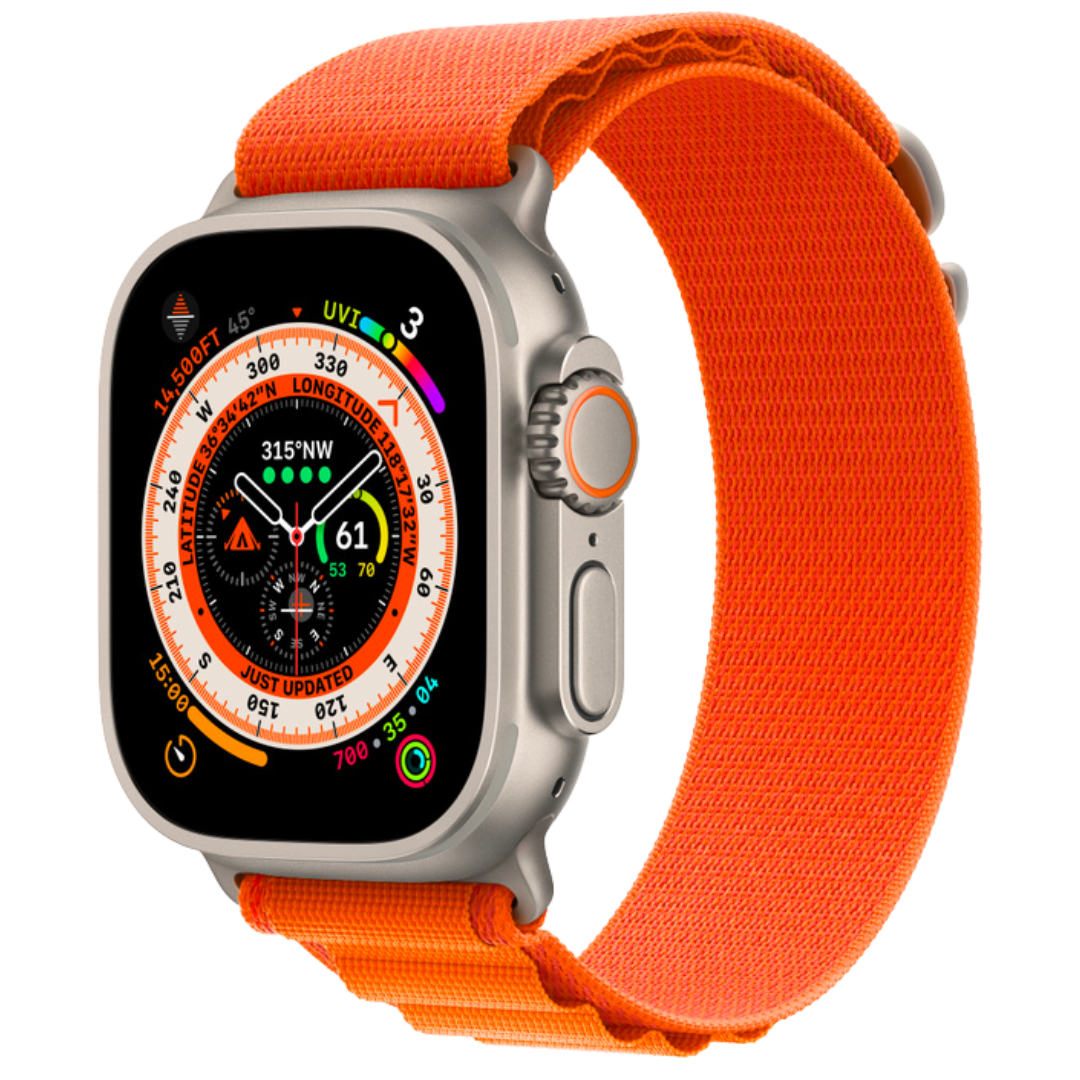
apple watch ultra
premium pick
The latest addition to the Apple Watch lineup is the Apple Watch Ultra. It features a temperature sensor, LTE, GPS, a new larger 49mm size, a more durable design, and the longest battery life ever on an Apple Watch.
-
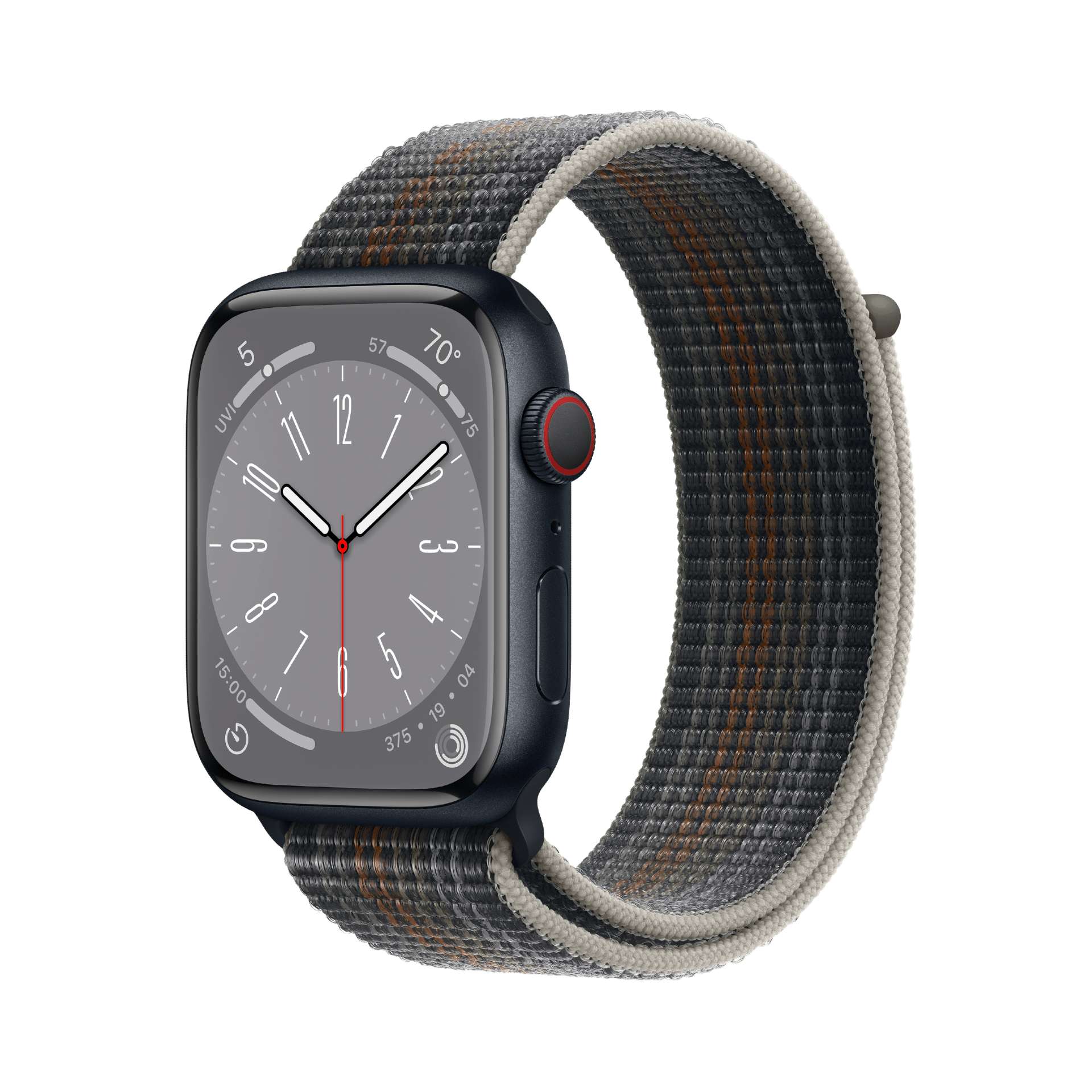
apple watch series 8
Editor’s Choice
$329 $399 Save $70
The Apple Watch Series 8 continues the crown of the Series 7, making it the best wearable to buy, tracking your fitness level and notifications. It promises all-day battery life and a new body temperature sensor that improves measurement accuracy.
-
.png)
Apple Watch SE2
bargain
$219 $249 Save $30
The new affordable Apple Watch SE (2nd generation) looks just like its predecessor. It features the latest and most powerful Apple S8 chip with improved fitness tracking. It is available in three colors and supports the same bands as the previous generation.


.png?q=50&fit=contain&w=480&h=480&dpr=1.5)
