











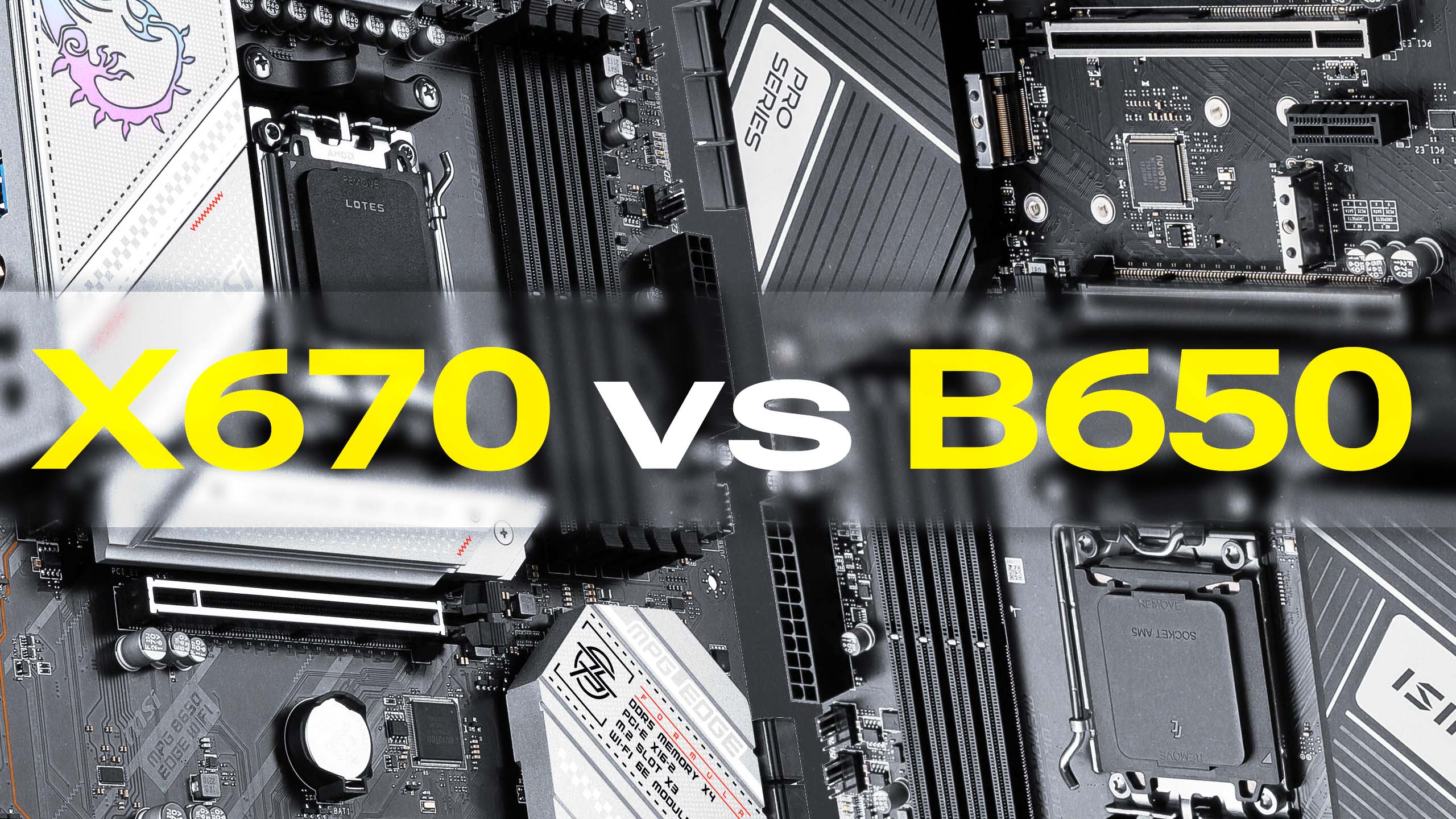
 AMD’s new AM5 platform is here and comes with two new chipsets, the X670 and B650. Both chipsets offer many features and benefits, but they also have their own strengths and weaknesses. Which is better when comparing X670 and B650?
X670 chipset
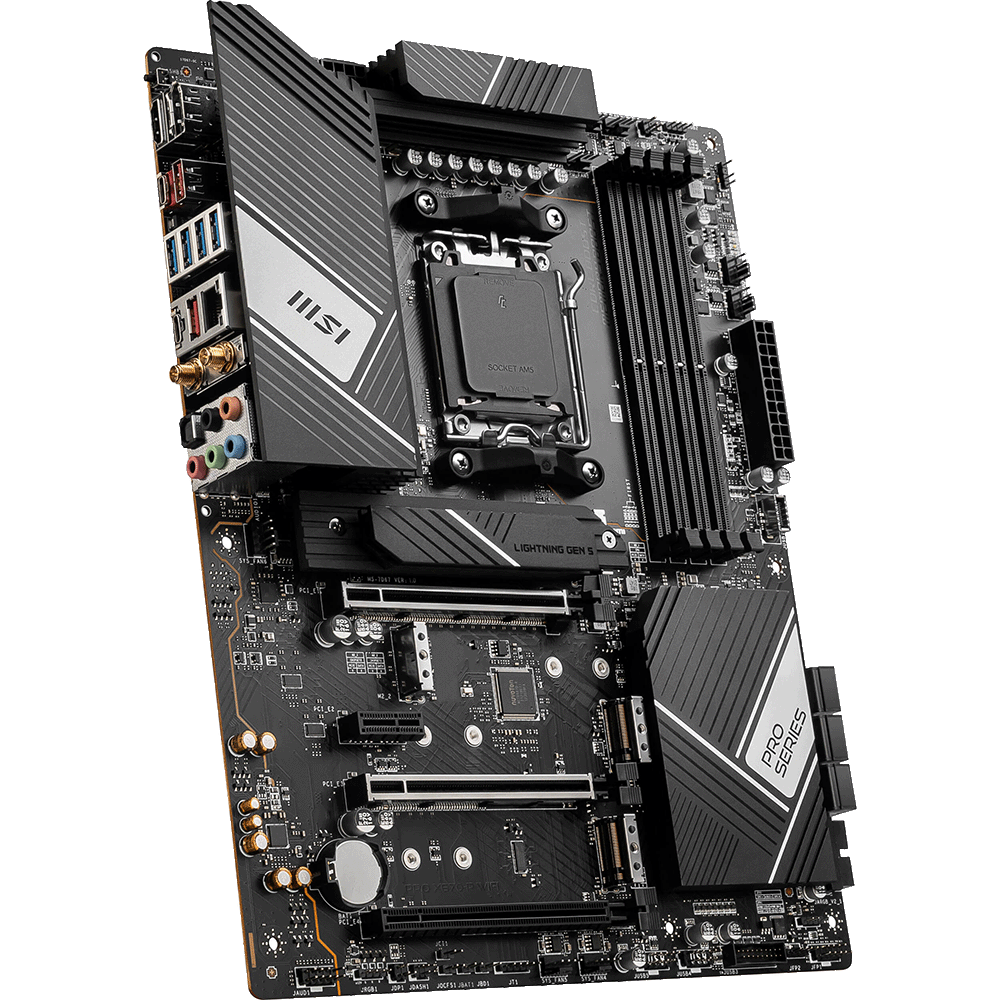
The X670 chipset is the more powerful of the two chipsets and is designed for high-end users looking for the best possible performance. The X670 offers many features not found in the B650 chipset, including:
- PCIe 5.0 Support: The X670 supports PCIe 5.0, the latest and fastest version of the PCIe standard. This means that the more PCIe 5.0 devices such as high-end graphics cards and NVMe SSDs become available, the more you can get the most out of them.
- More PCIe Lanes: The X670 chipset has 44 PCIe lanes, while the B650 has 36 lanes available. This means better throughput when connecting multiple graphics cards, storage devices, expansion cards and other devices to the motherboard.
- Overall connectivity: The X670 offers the widest range of connectivity options within the AM5, including up to 8 SATA ports and 12 USB 10 Gbps ports.
- Better VRM: The X670 has a better VRM than the B650. Since the VRM is responsible for powering the CPU, a better VRM not only makes it easier to overclock the CPU, but also manages the heat of high-end Ryzen processors even when not overclocked. increase.
Best for: Enthusiasts building on Ryzen 7 or 9, overclocking and workstations
B650 chipset
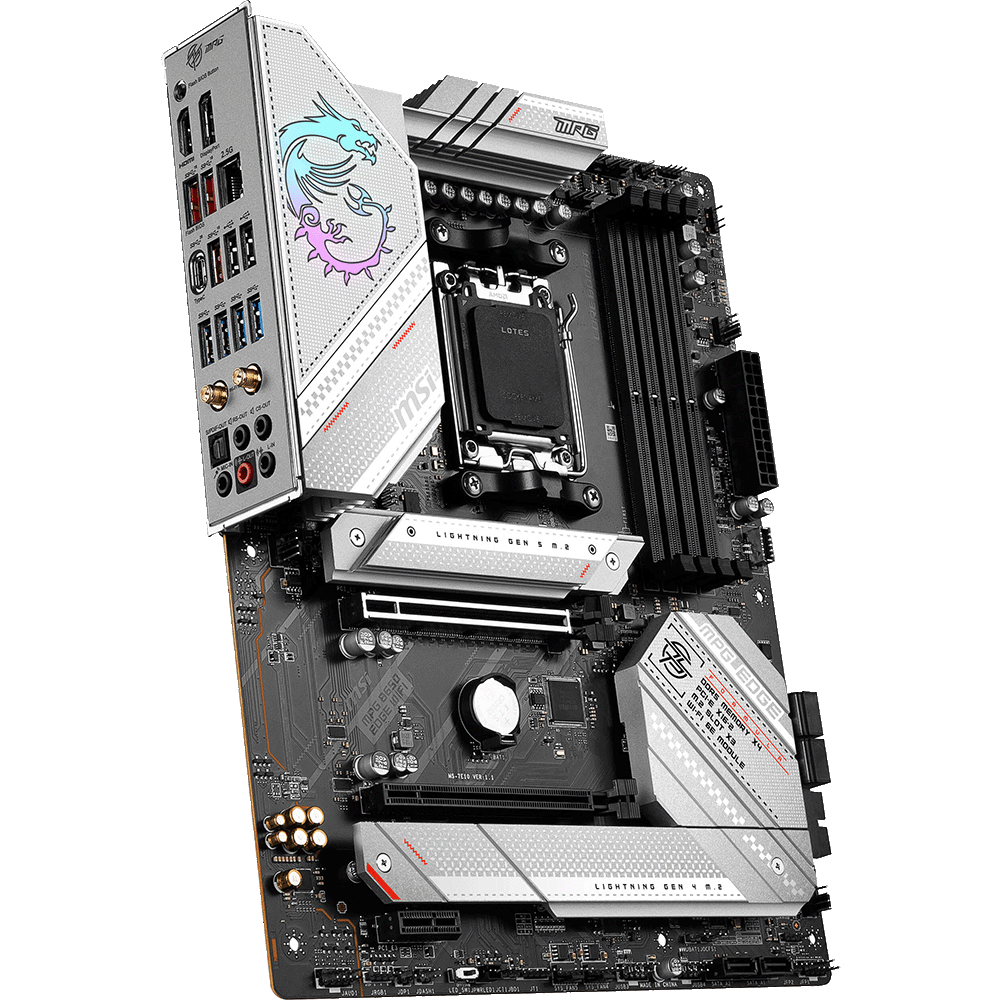
The B650 chipset is a more affordable option, suitable for budget-conscious users who don’t need the features of the X670 chipset above. These boards fully support AM5 socket processors such as the Ryzen 7000, but lack some of the extra features that the X670 offers. Some caveats to note:
- PCIe 4.0 Only Support: The B650 chipset only supports PCIe 4.0, the previous generation PCIe standard. Gen 5 is an option on the B650E only (more on that later).
- Connectivity: The B650 only offers 4 SATA ports and 6 USB 10Gbps ports, limiting expansion and peripheral options
- Cooling/Power Management: While the chipset officially supports the top of the product stack like the 7950X, lower-end VRMs are best paired with more mid-range CPU options.
Best for: Budget builds with Ryzen 3 or 5
What about the X670E and B650E?
In addition to the standard X670 and B650, AMD has also released “Extreme” versions (abbreviated as “E”) of each. These E versions offer the same functionality, but with different PCIe Gen 4 and Gen 5 allocations. The X670E has 20 lanes dedicated to Gen 5 versus Gen 4 on the X670. The B650E has 20 Gen 5 lanes while the B650 has 0.
X670 vs X650 – comparison
|
B650 |
B650E |
X670 |
X670E |
|
| socket |
5 am |
5 am | 5 am |
5 am |
| Overclockable |
no |
no | yes |
yes |
| RAM type |
DDR5 |
DDR5 | DDR5 |
DDR5 |
| Max PCIe Lanes |
36 |
36 | 44 |
44 |
| PCIe Gen 5 lanes |
0 |
20 | Four |
20 |
| Up to USB 10Gbps |
6 |
6 | 12 |
12 |
|
Max USB 20Gbps |
1 | 1 | 2 |
2 |
| maximum time |
Four |
Four | 8 |
8 |
Configure your next B650 or X670 system here.

Josh has been with Velocity Micro since 2007 and has held various marketing, PR, and sales-related roles. As Director of Sales and Marketing, he is responsible not only for marketing activities, but also for all direct and retail sales. He enjoys reruns of Seinfeld, Atlanta He Braves, and Beatles songs written by John, Paul, and George. I’m sorry, apple.
