











Samsung’s latest foldable phones have finally arrived, bringing one of the best experiences that you can find. As is the case with pretty much every new Samsung phone, there are so many features that it’s enough to make your head spin. Whether this is your first foldable or if you’re an experienced veteran, here are the first things you should do with the Galaxy Z Fold 6.
Set up biometrics

One of the best things about the Galaxy Z Fold 6 is that Samsung has yet to bring the ultrasonic fingerprint scanner from the Galaxy S24 Ultra. Instead, the scanner is actually embedded in the Side button, making it easy to quickly unlock your phone. However, the Galaxy Z Fold 6 also includes Face unlock, which could come in handy in a pinch, despite it not being as secure as using a fingerprint.
1. Open the Settings app.
2. Scroll down and tap Security and privacy.
3. Tap Biometrics.

4. Tap Face recognition.
5. Enter your phone’s passcode.

6. Follow the on-screen steps to set up Face recognition.
7. Tap Fingerprints.

8. Enter your phone’s passcode.
9. Follow the on-screen steps to set up fingerprint biometrics.

10. Repeat if you want to add multiple fingerprints.
Switch to gestures
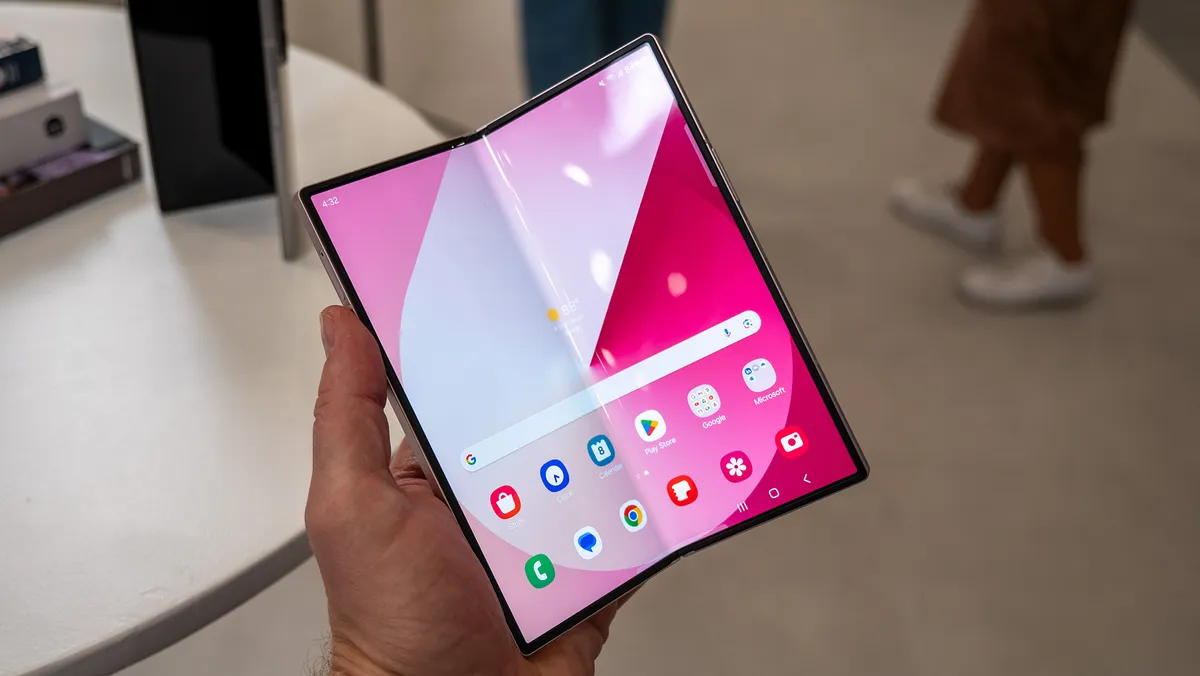
For whatever reason, Samsung still ships its phones with the navigation bar enabled. This is fine for some, but gesture navigation is arguably a much better experience. On the bright side, it’s easy to switch over to gestures, and it doesn’t interfere with using the Fold 6s taskbar.
1. Open the Settings app.
2. Scroll down and tap Display.
3. Scroll down again and tap Navigation bar.

4. Select Swipe gestures.

Get more out of the Taskbar

Speaking of the taskbar on the Galaxy Z Fold 6, Samsung offers a few customization options for you to take advantage of. These include adjusting the number of recent apps that appear, along with enabling the ability to long-press to hide or show the taskbar.
1. Open the Settings app.
2. Scroll down and tap Display.
3. Tap Taskbar.

4. In the top right corner, tap the toggle to enable the Taskbar.

5. Enable both Show recent apps and Show and hide with touch and hold.
Image 1 of 2


By default, the Taskbar will show up to three of your most recently used apps. However, you hvae the option to bump this down to just two apps, or bump it up to 4 apps from this section of the Settings app.
Keep it protected

Although one of the bigger upgrades with the Galaxy Z Fold 6 is its IP54 rating, that won’t save your phone if you accidentally drop it. Just like the rest of your technology, we recommend keeping it as protected as possible. Despite sporting a slightly tweaked design, there are still a plethora of great Galaxy Z Fold 6 cases to choose from.
Currently, our favorite is the Thinborne Aramid Fiber case, as it’s extremely thin and feels great in the hand. Plus, it makes it so that your Galaxy Z Fold 6 is compatible with MagSafe accessories. That last part is especially important as we’re still waiting for Samsung (and others) to adopt the Qi2 standard.
Get an S Pen
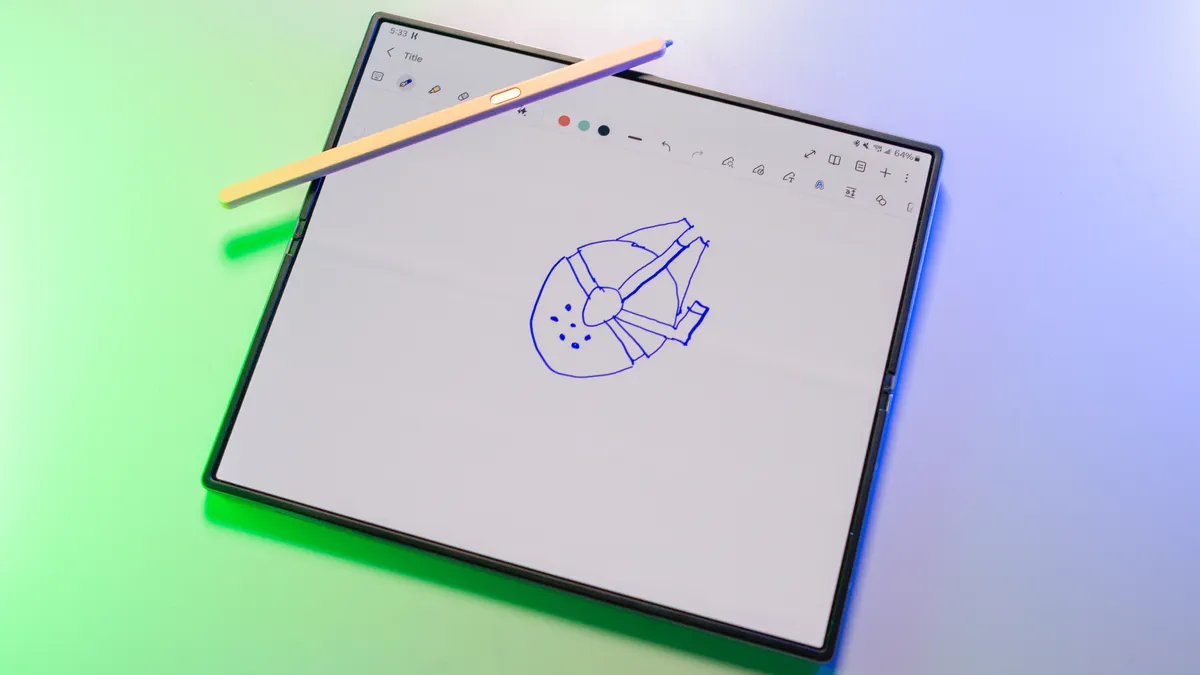
If there’s one thing that I recommend to any Galaxy Z Fold owner, it’s to make sure that you get an S Pen. It can be a bit awkward trying to draw a diagram using just your finger, not to mention the precision offered by using a stylus over your built-in digits.
There are a couple of options to choose from, as Samsung is continuing to sell the S Pen Fold Edition. This is a stylus that’s designed for the Galaxy Z Fold series and was updated last year. However, there’s also the S Pen Pro, which supports the Galaxy Z Fold 6, along with any other Samsung device that sports S Pen compatibility.

Samsung Galaxy S Pen Fold Edition
Whether you opt for Samsung’s case that includes an S Pen or not, we highly recommend getting an S Pen for your Galaxy Z Fold 6. It instantly improves the experience, and you might find that you end up using more than you initially expected.
Play around with Galaxy AI

Many of the exciting changes to the Galaxy Z Fold 6 come in the form of software additions. This obviously includes Galaxy AI, which can be found in many of Samsung’s own apps. However, these features are not enabled out of the box, but you can easily turn them on.
1. Open the Settings app.
2. Tap Galaxy AI.
3. Select the feature that you want to enable.

4. If applicable, tap the toggle at the top to turn the feature on.
5. Repeat for any other Galaxy AI features you want to enjoy.
Image 1 of 3


Circle to Search
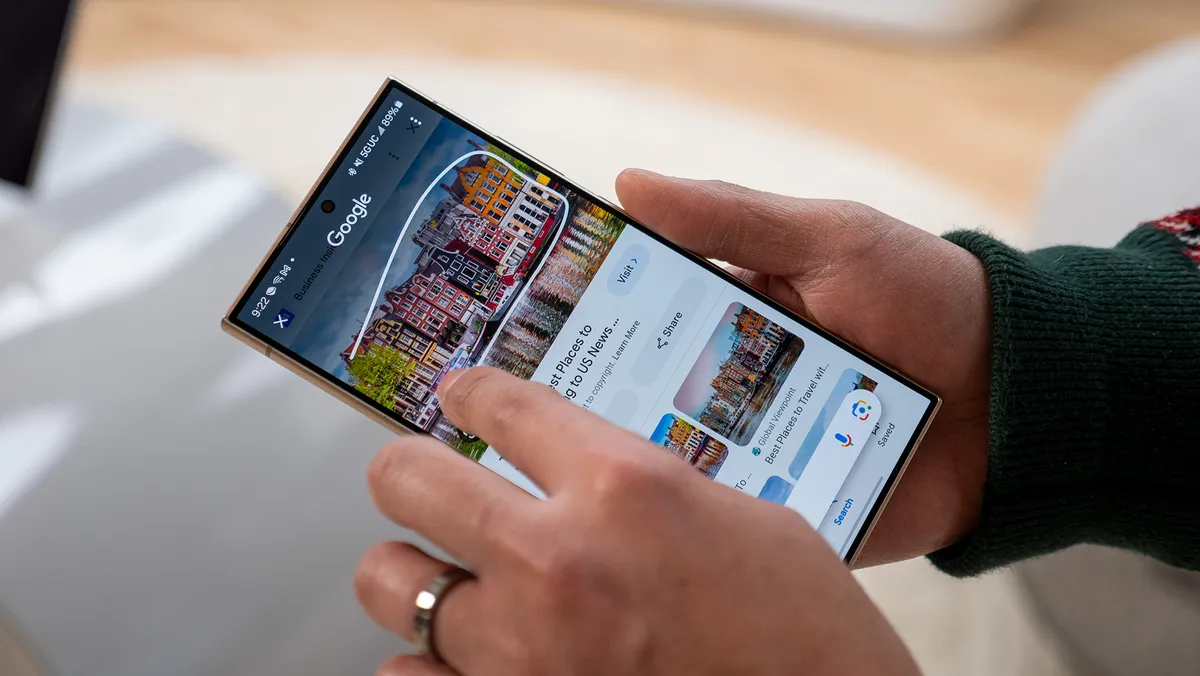
Google debuted its new Circle to Search feature early in 2024, bringing it to the Galaxy S24 and Pixel 8 first before it was rolled out to more devices. Now that there’s more widespread availability, this means you can use Circle to Search on your Galaxy Z Fold 6 from anywhere. Once enabled, you can simply long-press the home button or navigation bar, then select an item on the screen and learn more about it.
1. Open the Settings app.
2. Scroll down and tap Display.
3. Scroll down again and tap Navigation Bar.
4. Tap the toggle next to Circle to Search.

Bring back the Power button

There are some decisions that just don’t make much sense, such as Samsung setting Bixby as the default “press-and-hold” action for the Side button. But what happens if you need to turn off or restart your Fold 6 and you can’t access the Notification Shade? Well, before you run into any problems, follow the steps below to bring back the Power Menu.
1. Open the Settings app.
2. Scroll down and tap Advanced features.
3. Tap Side button.

4. Under Press and hold, tap Power off menu.
Synchronize your screens
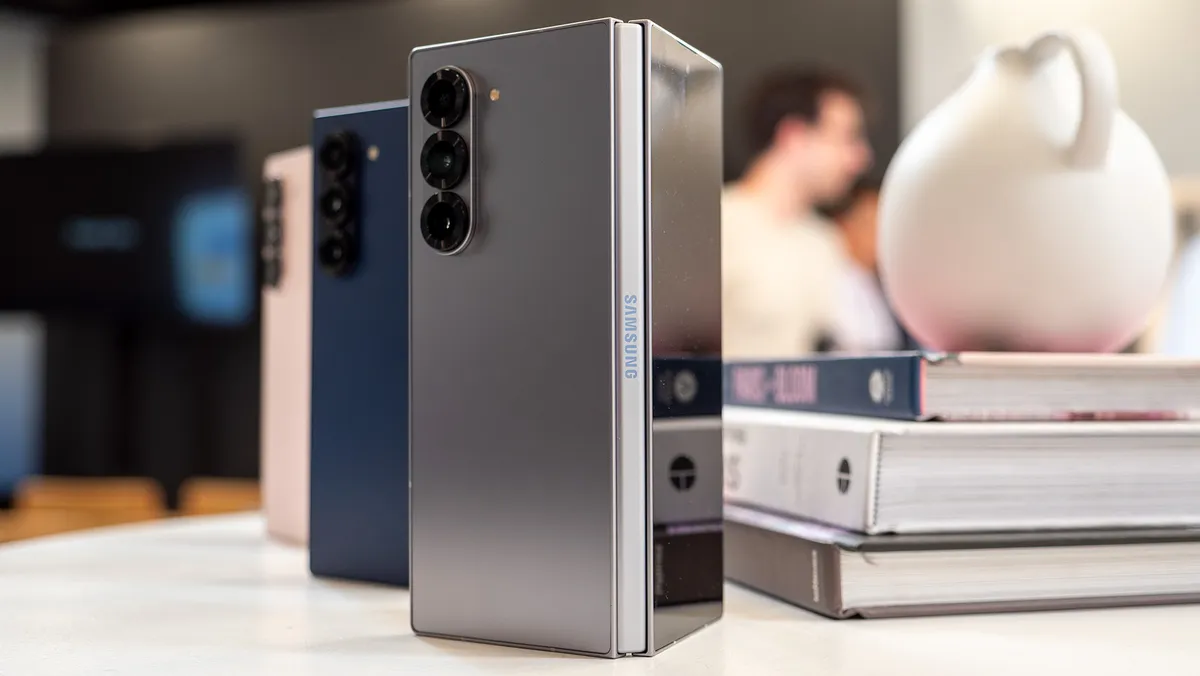
If you want to get really technical, you could consider the Galaxy Z Fold 6 as being two different phones in one. While this is great, it also means that your home screen layouts won’t be uniform between the Cover and Main screens. Thanks to Cover Screen Mirroring, that’s no longer an issue, as everything will be the same between both screens.
1. Open the Settings app.
2. Scroll down and tap Home screen.
3. At the top of the page, tap Cover screen mirroring.

4. Tap On then the Apply button.

For the sake of continuity, Samsung also makes it so that you can keep using an app, even if you fold the phone. By default, if you’re using an app on the main screen and then close the Fold 6, the app is also closed. This means that you have to go and open the app again, which could be quite a bit frustrating.
That’s no longer an issue, provided that you first enable this feature. Improving things even more is that Samsung lets you pick and choose which apps you want to have this feature available for.
1. Open the Settings app.
2. Tap Display.
3. Tap Continue apps on cover screen.

4. Scroll through the list of options and enable this feature for the apps you want.

Make your Fold 6 even better
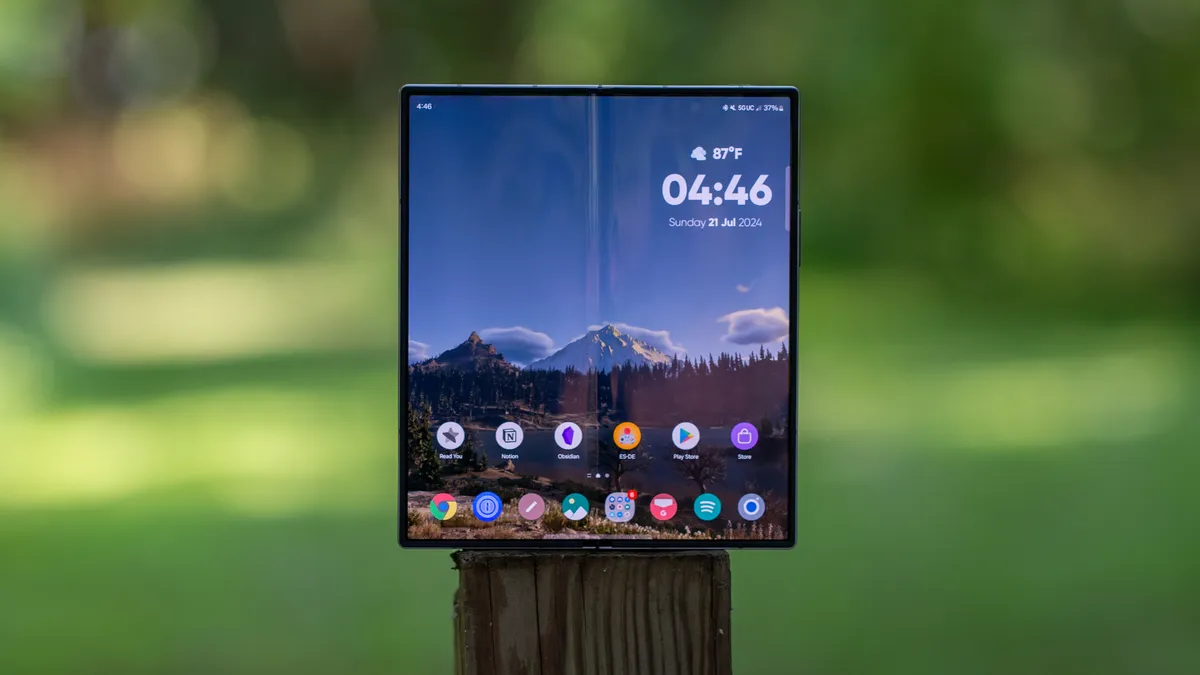
While Samsung throws everything but the kitchen sink into the Settings app by default, there’s actually quite a bit more that you can do. Good Lock has been a staple on practically every compatible Samsung phone that has come across our desks for years.
Although it’s not installed by default, you can download the Good Lock app from the Galaxy Store on your Fold 6. Then, jump through the different options and install the modules that you think would be helpful. It truly does take your Samsung phone to the next level.
Image 1 of 3


Make your apps full-screen
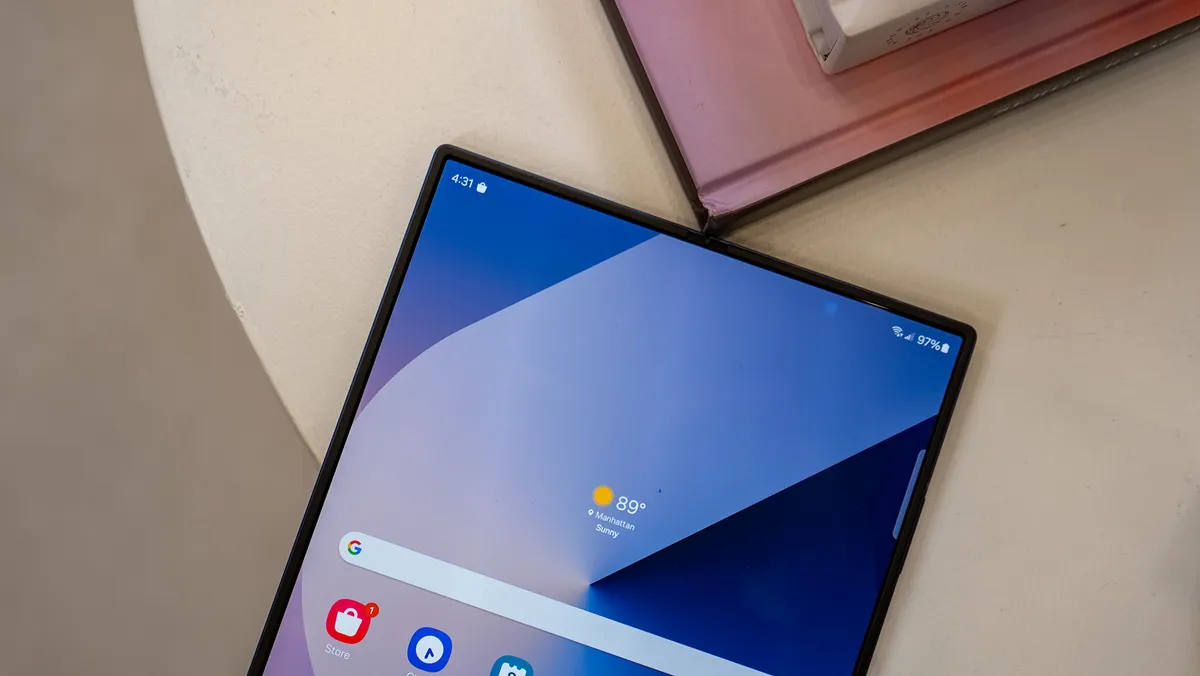
Despite foldable phones being around for the better part of five years and the likes of Samsung and Google making big strides on the software side, not every app supports the form factor. This means that you might end up using an app that doesn’t take advantage of the entire screen, resulting in pillar boxes being placed on either side.
To combat this problem, Samsung has implemented an option that lets you pick the aspect ratio for your apps. In many cases, this forces the app to use the entire screen. However, you can also choose either 16:9 or 4:3 if you prefer the way an app looks in those aspect ratios.
1. Open the Settings app.
2. Scroll down and tap Display.
3. Tap Full screen apps.

4. Locate and tap the app that you want to force to be full-screen.

5. Select Full screen, 16:9, or 4:3.

Overcharged Multitasking

To some, the Galaxy Z Fold 6 might seem like a novelty, but falls short when it comes to productivity or multi-tasking. That couldn’t be further from the truth, as you have the ability to open and use multiple apps at once. However, in the event that your favorite app doesn’t support multi-window, just follow the steps below to fix that.
1. Open the Settings app.
2. Scroll down and tap Advanced features.
3. Tap Labs.

4. Tap the toggle next to Multi window for all apps.

Make your phone feel faster

Some people are sticklers for “pretty” or “fluid” animations when using their phone. Others couldn’t care one way or another, but want to make their phone feel faster. Well, you can do just that, as Android’s Developer Options is home to a few settings to speed up the animations.
1. Open the Settings app.
2. Scroll down and tap About phone.
3. Tap Software information.
4. Tap Build number seven times.

5. When prompted, enter your phone’s passcode.
6. Go back to the previous screen.
7. Tap Developer options at the bottom of the page.

8. Locate the Drawing section.
9. Tap Window animation scale.
10. Select Animation scale .5x.
11. Repeat the steps for both Transition animation scale and Animator duration scale.

We know that there’s a lot more that the Galaxy Z Fold 6 can offer, as there are features we didn’t touch on such as Samsung DeX or Camera Assistant. However, these are some of the first things you should do with the Galaxy Z Fold 6. Then, dive in and explore everything else that the Fold 6 has to offer!

Packed with plenty of features
On paper, the Galaxy Z Fold 6 might seem like nothing more than a spec bump and design tweak. However, even if that’s the case, there’s no denying that Samsung tries to throw a slew of helpful features into the software.
