











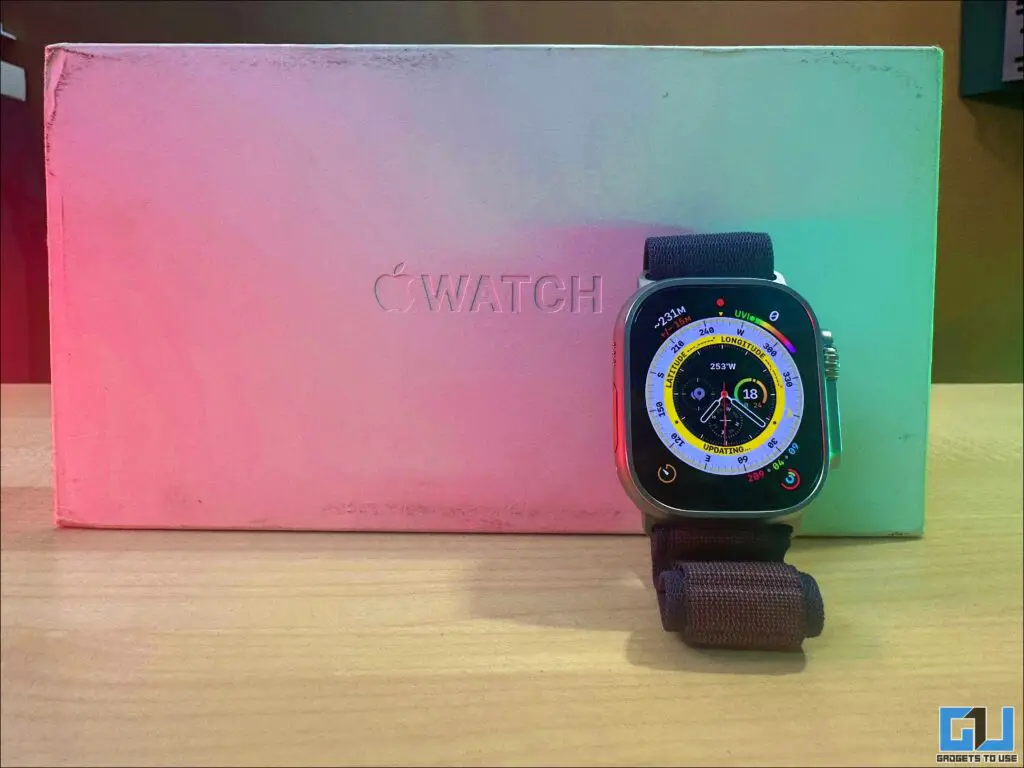
All Apple products are known for their luxury and premium user experience, and the Watch Ultra 2 is no different. Yet, the $800 smartwatch isn’t very easy on budget for all. I did manage to get myself an Apple Watch Ultra 2 for Rs 60k (roughly $700) and made sure that it was a genuine product and not a fake. If you, too, are getting an unbelievable deal and don’t want to get scammed, follow the guide below.
Risks and Rewards of Buying from an Unauthorised Seller
So, I purchased an Apple Watch Ultra 2 from an unauthorized seller at Rs 30,000 less than the original price, and being a tech journalist myself, I had to be sure that I was not duped. While on one hand, such tempting deals might get you a great deal, helping you save a significant amount of money, yet the risks involved just cannot be ignored or taken lightly. From having no official warranty or support from Apple, to risk of purchasing stolen good, you cannot be less sure of such purchases.
Here’s what I did to do a complete, thorough check and verify if the Watch Ultra 2 is genuine.
Steps to Ensure if the Apple Watch is Genuine
To avoid falling victim to scams and ensure you’re getting a genuine Apple Watch Ultra 2, follow these steps:
1. Check Model Number
The model number is a crucial identifier for your Apple Watch. For the Apple Watch Ultra 2, look for the following model numbers:
- Model A2986 (North America, Europe, Asia Pacific)
- Model A2987 (China mainland)
To find the model number:
1. Open the Apple Watch app on your paired iPhone
2. Tap the My Watch tab, then go to General > About
3. Look for the Model Number field
4. Tap it to reveal the five-digit number starting with “A”
2. Check Apple Coverage
Verifying the device’s coverage status can help confirm its authenticity:
1. Visit https://checkcoverage.apple.com/
2. Enter the serial number of your Apple Watch Ultra 2
3. Complete the captcha
4. Click “Continue”
If the device is genuine, you should see information about its warranty status and eligibility for support7.
3. Check Serial Number Matching on Box with the Watch
Ensure the serial number on the watch matches the one on the box:
1. On the watch, go to Settings > General > About
2. Scroll down to find the serial number.
3. Compare this with the serial number printed on the box
4. If they match, it’s a good sign of authenticity.
FAQs
Q: Can Apple block my Apple Watch if it’s bought from an unauthorized reseller?
Apple generally doesn’t block devices based on where they were purchased. However, if the watch turns out to be stolen or obtained fraudulently, it could potentially be blocked or disabled.
Q. Will Apple provide warranty service for a watch bought from an unauthorized seller?
Apple’s standard warranty typically applies to devices purchased from authorized resellers. For devices bought elsewhere, Apple may still provide service, but you might need to show proof of purchase. It’s best to check with Apple Support for specific cases.
Wrapping Up
While scoring a great deal on an Apple Watch Ultra 2 can be tempting, it’s crucial to prioritize authenticity and long-term value. By following the steps outlined above, you can significantly reduce the risk of purchasing a counterfeit or compromised device. For more such buying guides, tips and tech news follow GadgetsToUse.
