











- Nothing OS 3.0 brings a host of new features, with the Nothing Gallery app as a standout addition offering AI-powered photo management capabilities.
- While some advanced AI features are still in development, users can already enjoy a faster, more intuitive gallery experience on their Nothing devices.
Nothing OS 3.0 has officially launched, bringing exciting new features and improvements to Nothing devices. One of the most anticipated additions is the Nothing Gallery app, which introduces AI-powered capabilities like image cut-out and smart categorization. Read more to know how you can install this innovative gallery app on your Nothing device.
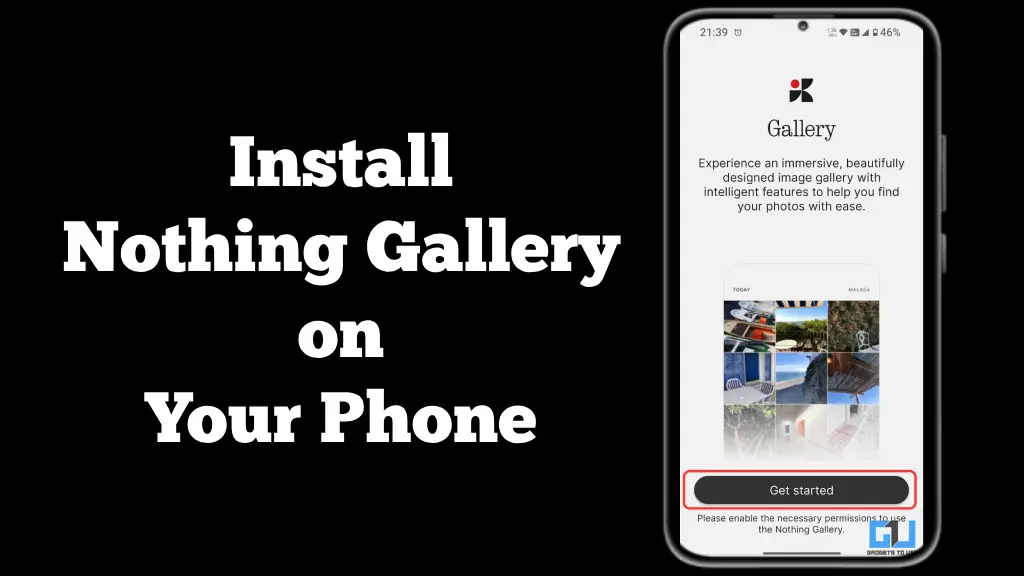
Nothing Gallery Arrives on Nothing Devices
With the Nothing OS 3.0 update, several new features, including an AI-powered Smart Drawer, Lock Screen, and improved Quick settings with additional Nothing Gallery, were introduced. However, it is not simple to get started with the Gallery app right away.
- AI Image Cut-Out: Automatically identifies and highlights key objects in photos.
- Faster Photo Access: Opens camera-taken photos 1.4 seconds faster than Google Photos.
- Minimalist Design: Clean interface following Nothing’s design philosophy.
- Smart Organization: AI-powered categorization of images (coming soon).
- Advanced Search: Natural language search capabilities (upcoming feature).
- AI Upscaling: Enhance image quality using artificial intelligence (future update).
Steps to Install Nothing Gallery App on Your Phone
- Check Compatibility: Ensure your Nothing device is updated on Nothing OS 3.0
- Download the APK: Obtain the Nothing Gallery APK file from a trusted source.
- Enable Unknown Sources: Go to Settings > Security and enable installation from unknown sources.
- Install the App:
- Tap on the downloaded APK file.
- You’ll be prompted to update the existing Gallery app.
- Follow the on-screen instructions to complete the installation.
- Open the App: Locate “Nothing Gallery” in your app drawer and launch it.
- Grant Permissions: When prompted, allow the app to access your photos and media.
FAQs
Q. Can I set Nothing Gallery as my default gallery app?
Currently, you cannot set Nothing Gallery as the default app. You can still access the Google Gallery from the camera app if you want to.
Q. Are all the AI features available in the current version?
Not all AI features are available in the initial release. Features like AI image categorization, natural language search, and AI upscaling are expected in future updates.
Wrapping Up
In this guide, we explored how you can install Nothing Gallery on your Nothing devices and use the AI cut-out feature. For more such guides, tips and tech news, follow GadgetsToUse.
You can also follow us for instant tech news at Google News or for tips and tricks, smartphones & gadgets reviews, join the GadgetsToUse Telegram Group, or subscribe to the GadgetsToUse Youtube Channel for the latest review videos.
